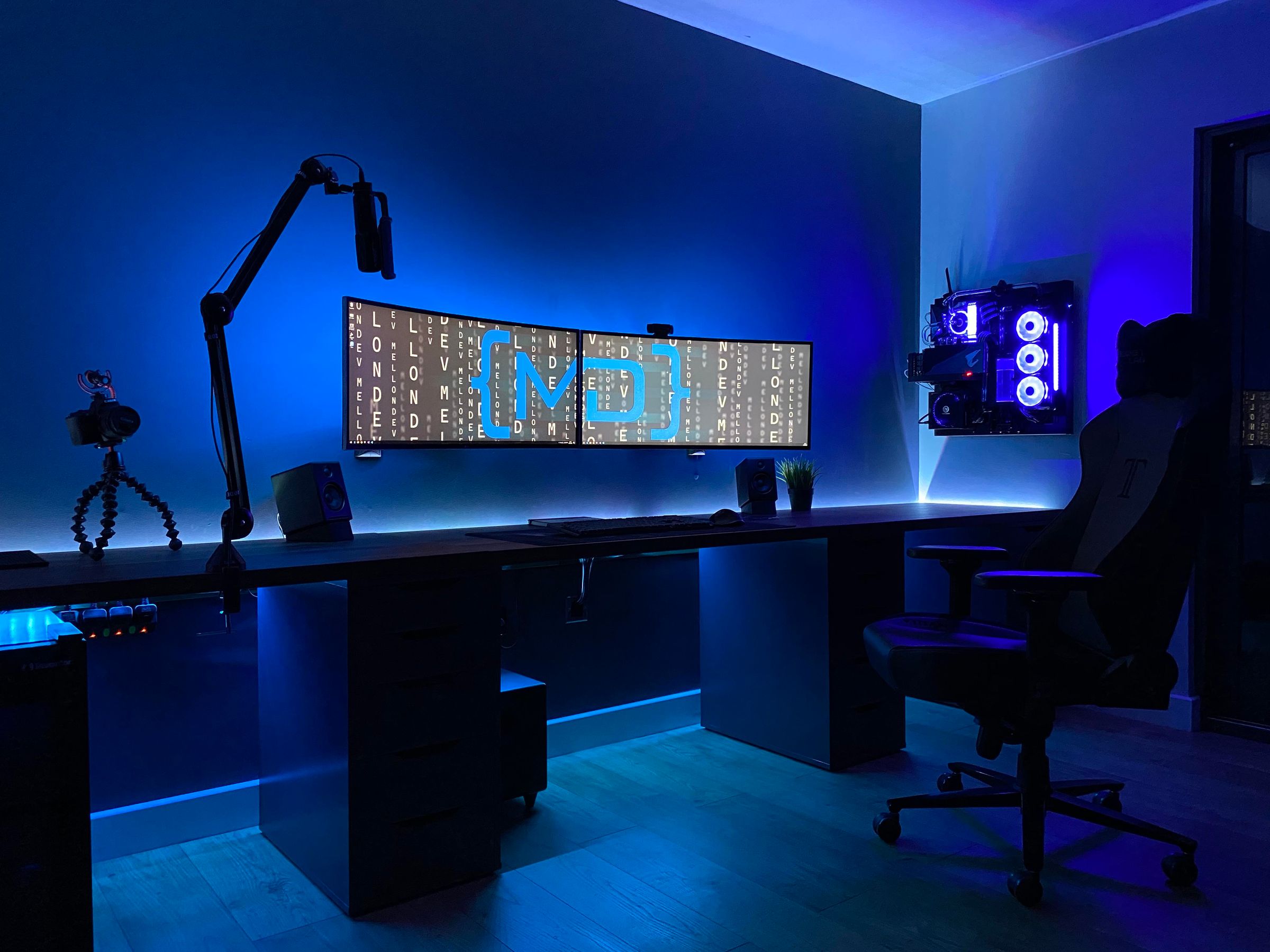
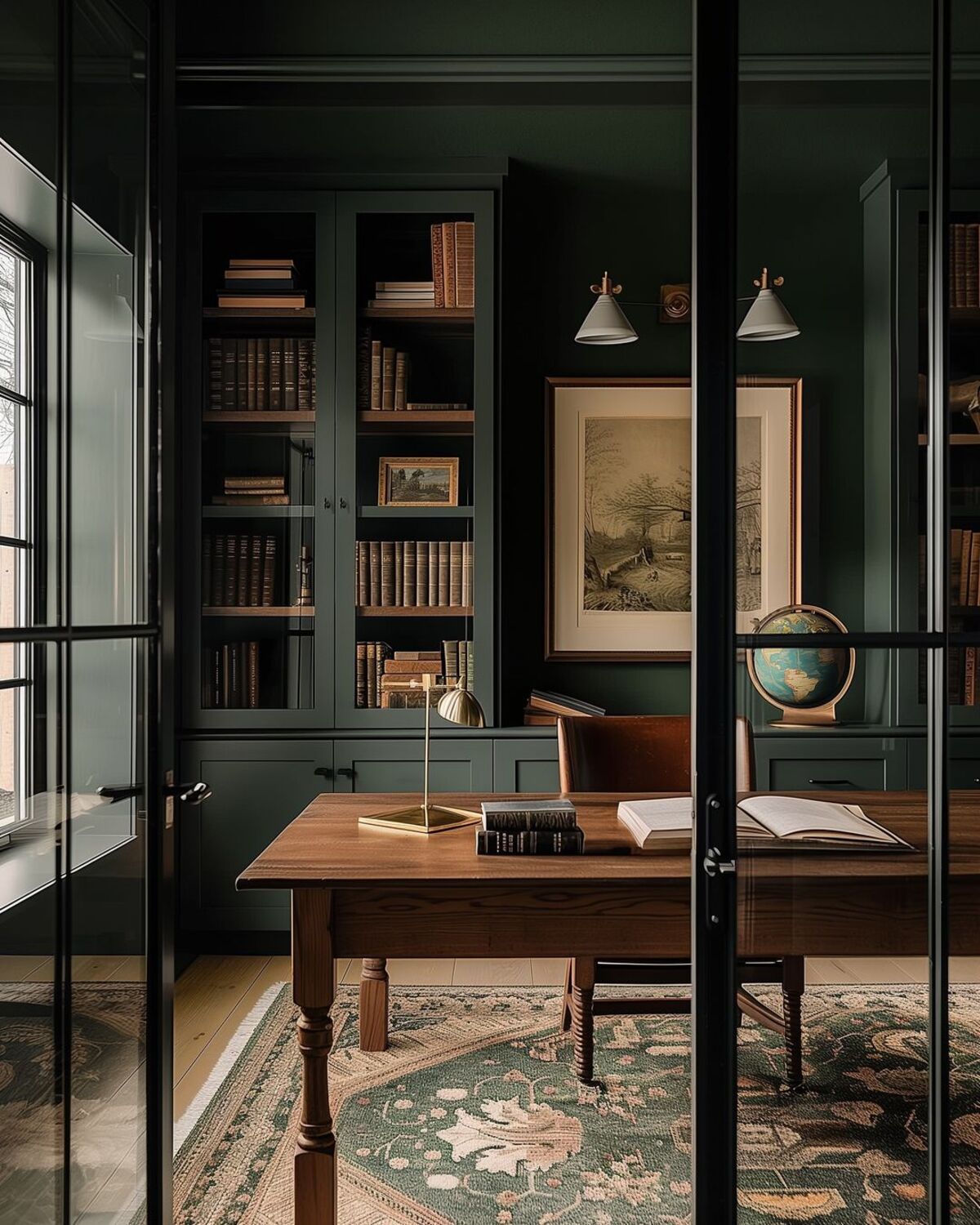
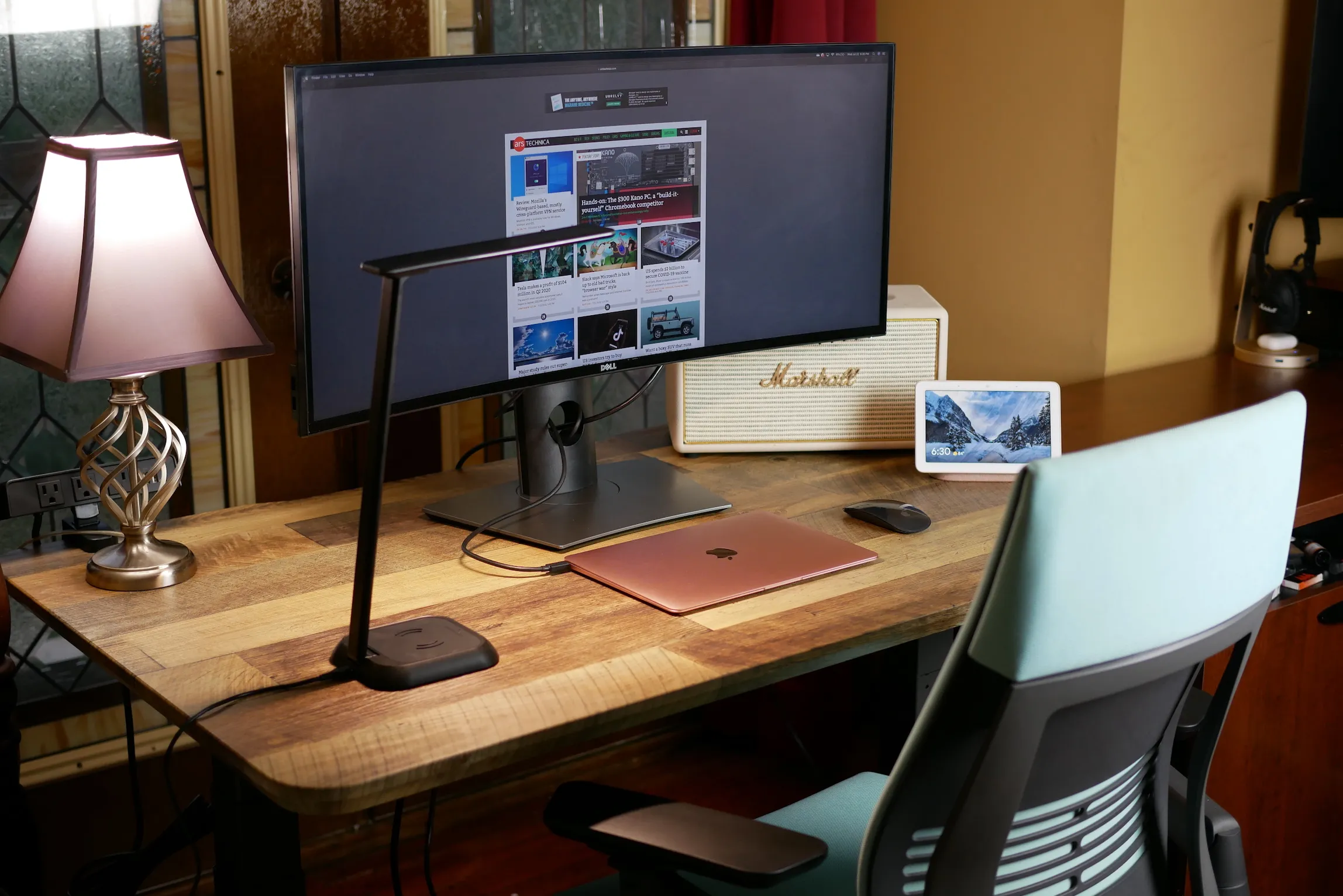
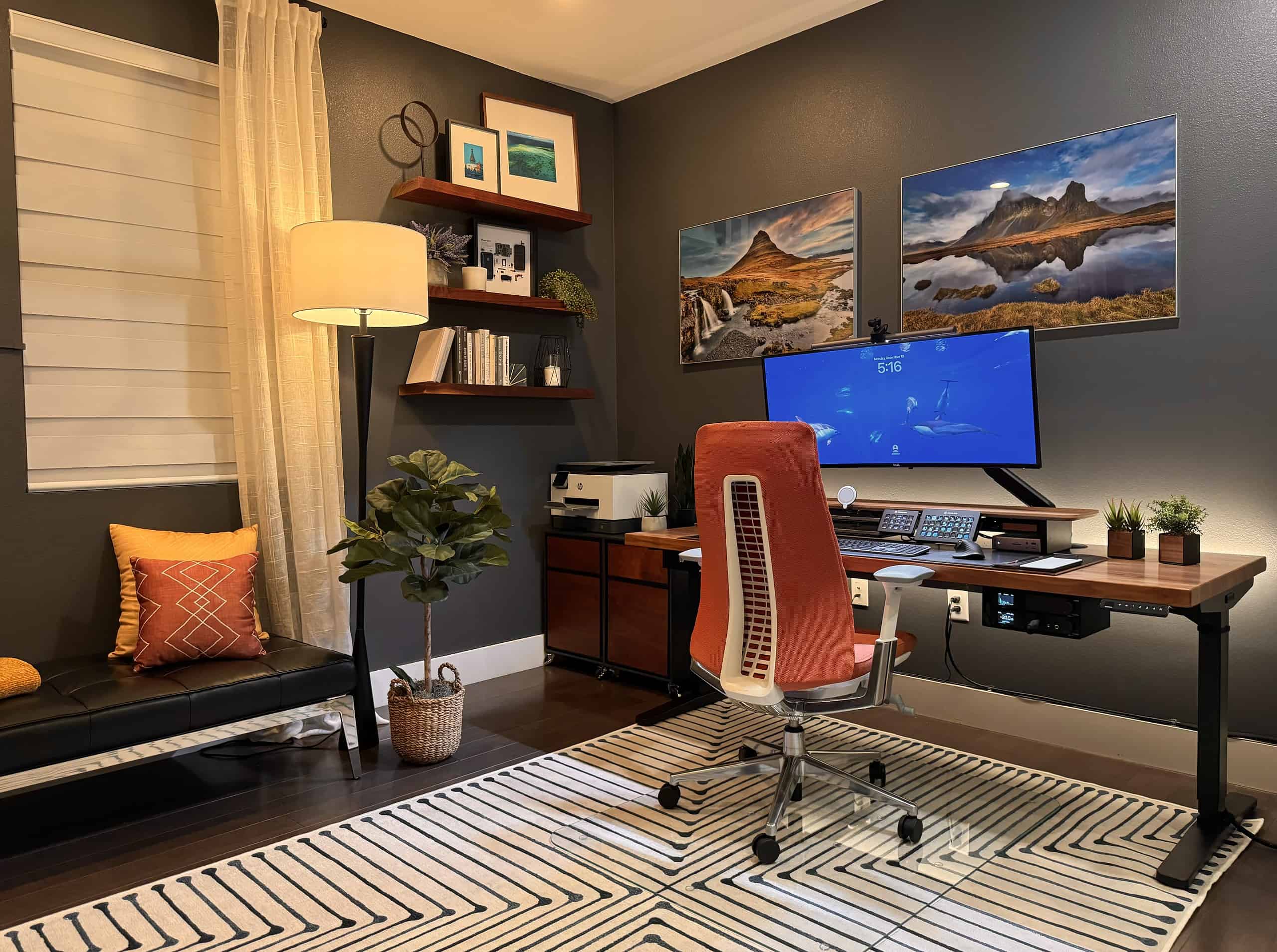
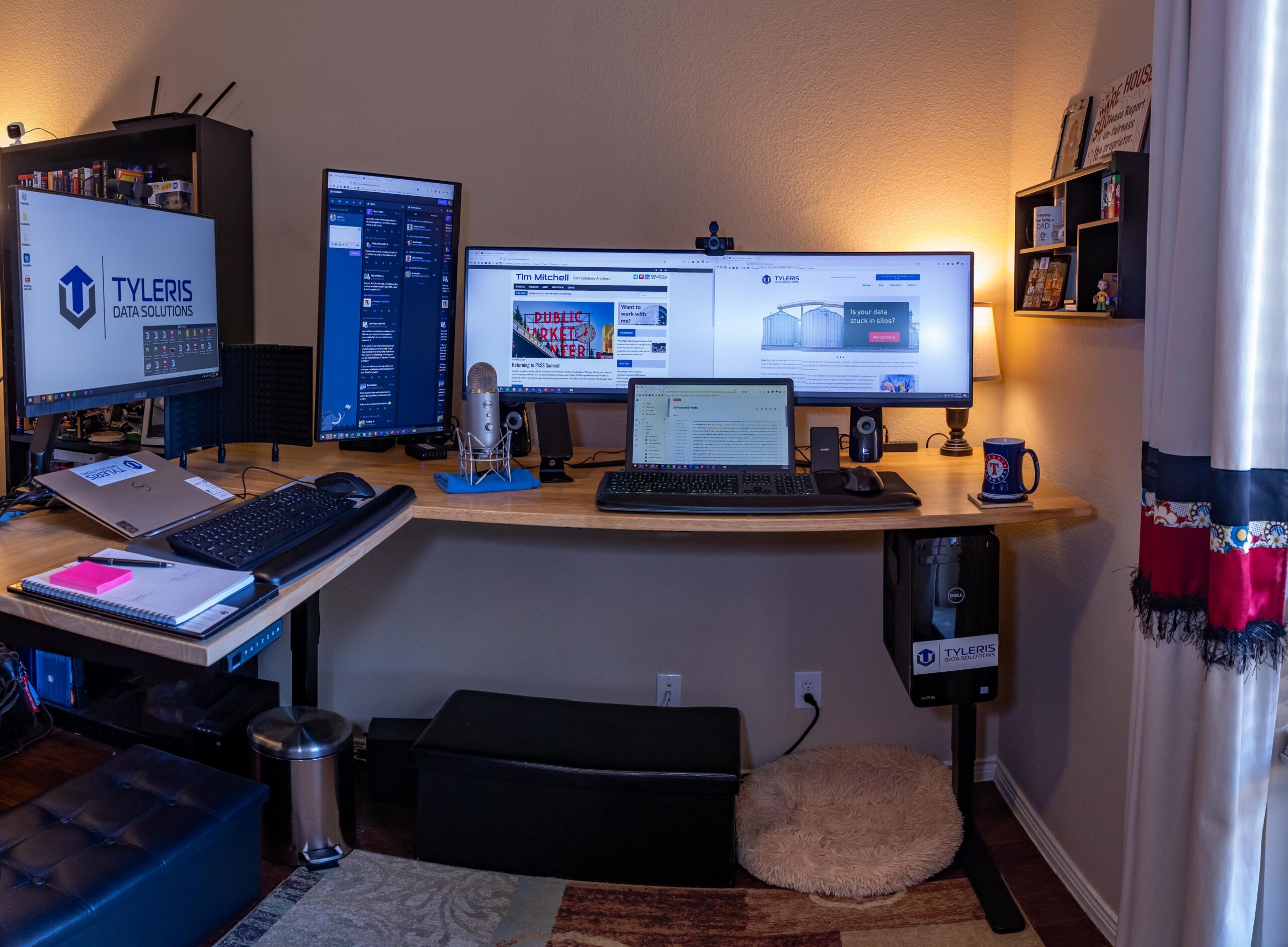
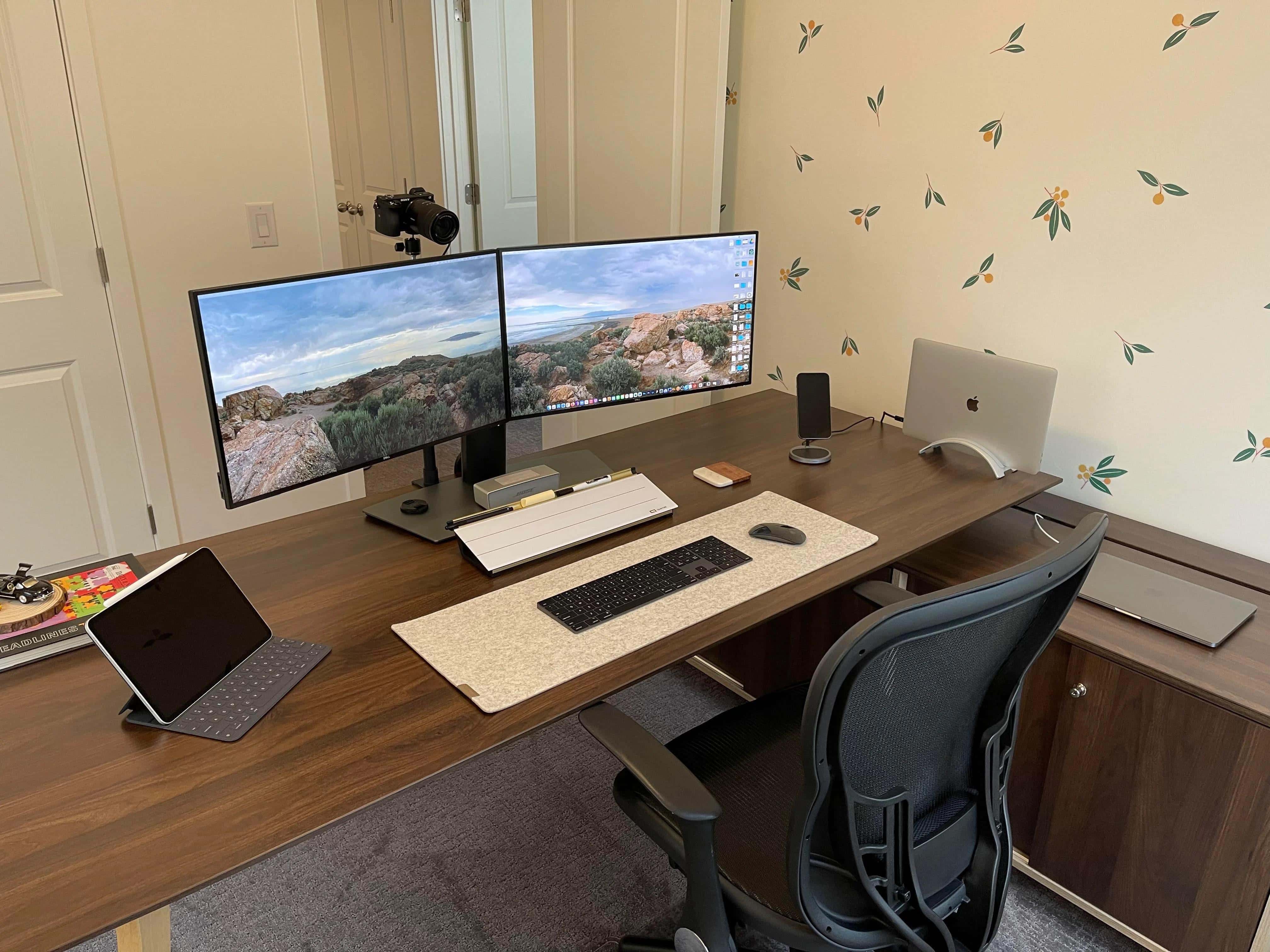
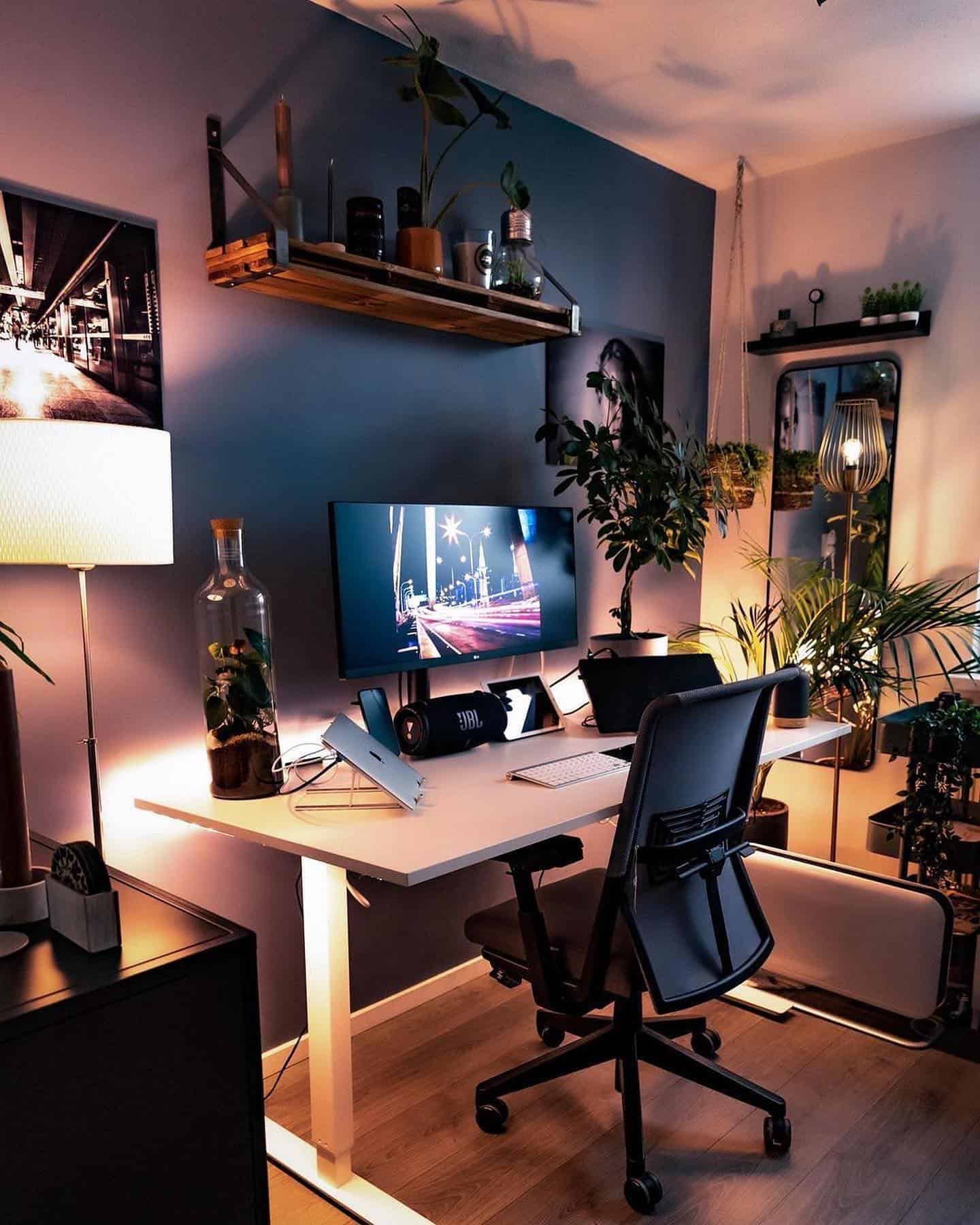
The Ultimate Guide To 2-Monitor Home Office Setups Are you tired of juggling multiple tasks and windows on a single monitor, only to find yourself working inefficiently and wasting valuable time? A 2-monitor home office setup can be a game-changer, allowing you to multitask like a pro and boost your productivity. With two screens, you can have one monitor dedicated to email, social media, and other communication tools, while the other monitor is focused on your core tasks, such as writing, designing, or coding. Create A Comfortable 2-Monitor Workspace At Home
When setting up a 2-monitor home office, consider the monitor placement and positioning to ensure you're using both screens effectively. Place the second monitor to the right or left of your primary monitor, depending on your personal preference, and position the screens at a comfortable viewing height. Invest in a sturdy monitor stand or arm to keep your monitors stable and adjustable, allowing you to easily switch between tasks and views. When selecting a monitor for your second screen, consider the resolution, size, and connectivity options.
A 22-inch to 24-inch monitor with a resolution of 1080p or 1440p is a good starting point, and make sure it has the right ports to connect your devices, such as HDMI, DisplayPort, or USB-C. Maximize Space With A Compact 2-Monitor Desk Additionally, consider investing in a monitor with a built-in USB hub or wireless charging capabilities to keep your workspace organized and clutter-free. By following these tips and setting up a 2-monitor home office, you'll be able to streamline your workflow, reduce distractions, and increase your overall productivity. Whether you're a freelancer, remote worker, or entrepreneur, a 2-monitor setup can help you stay focused and achieve your goals.