The Neck-Friendly Desk Setup Checklist You Need To Follow Slouching over your desk, staring at a screen all day, can take a toll on your neck and overall well-being. A poorly designed workspace can lead to neck strain, discomfort, and even long-term damage. However, with a few simple adjustments, you can create a neck-friendly desk setup that promotes healthy posture and reduces the risk of injury. Safeguard Your Neck With The Right Desk Layout And Position
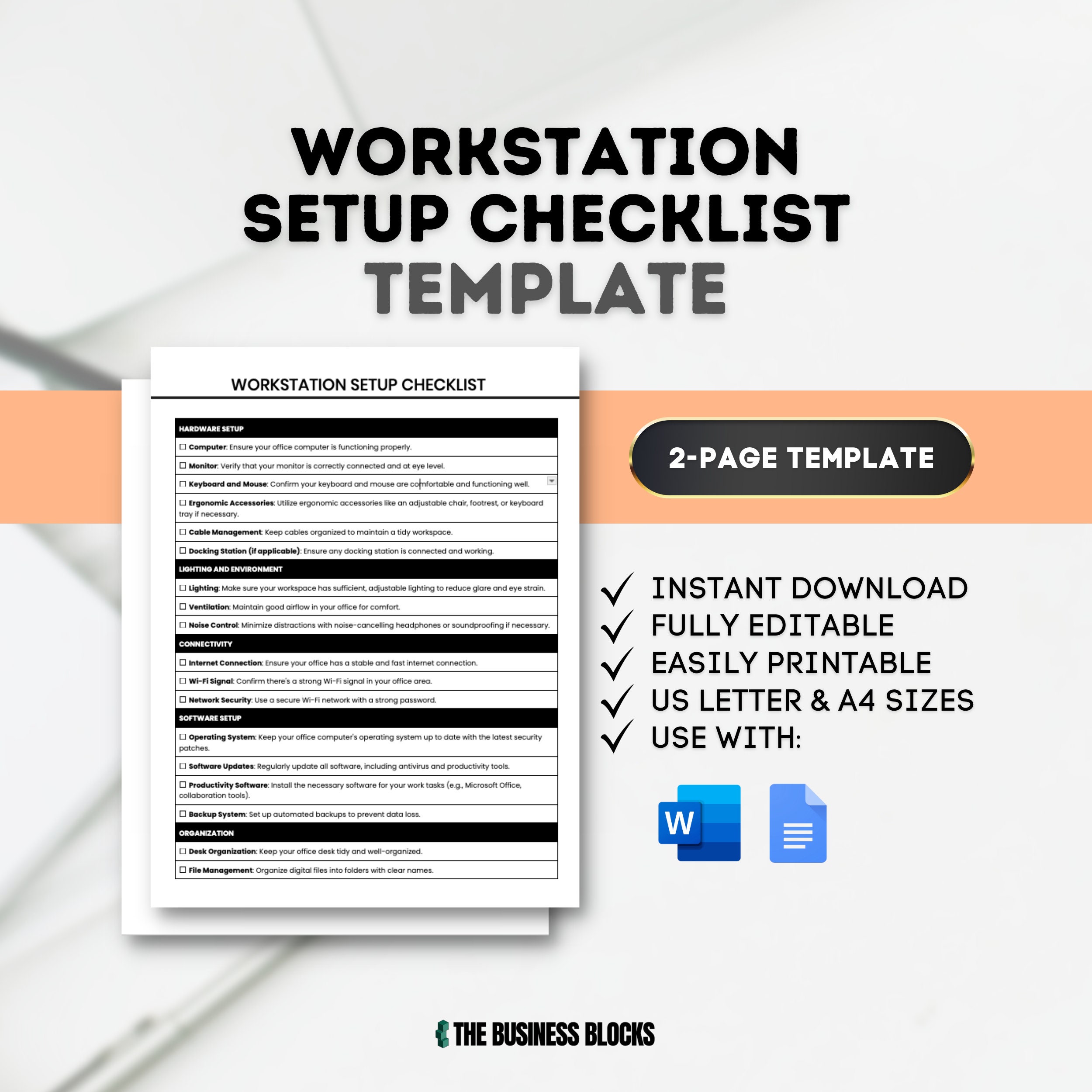
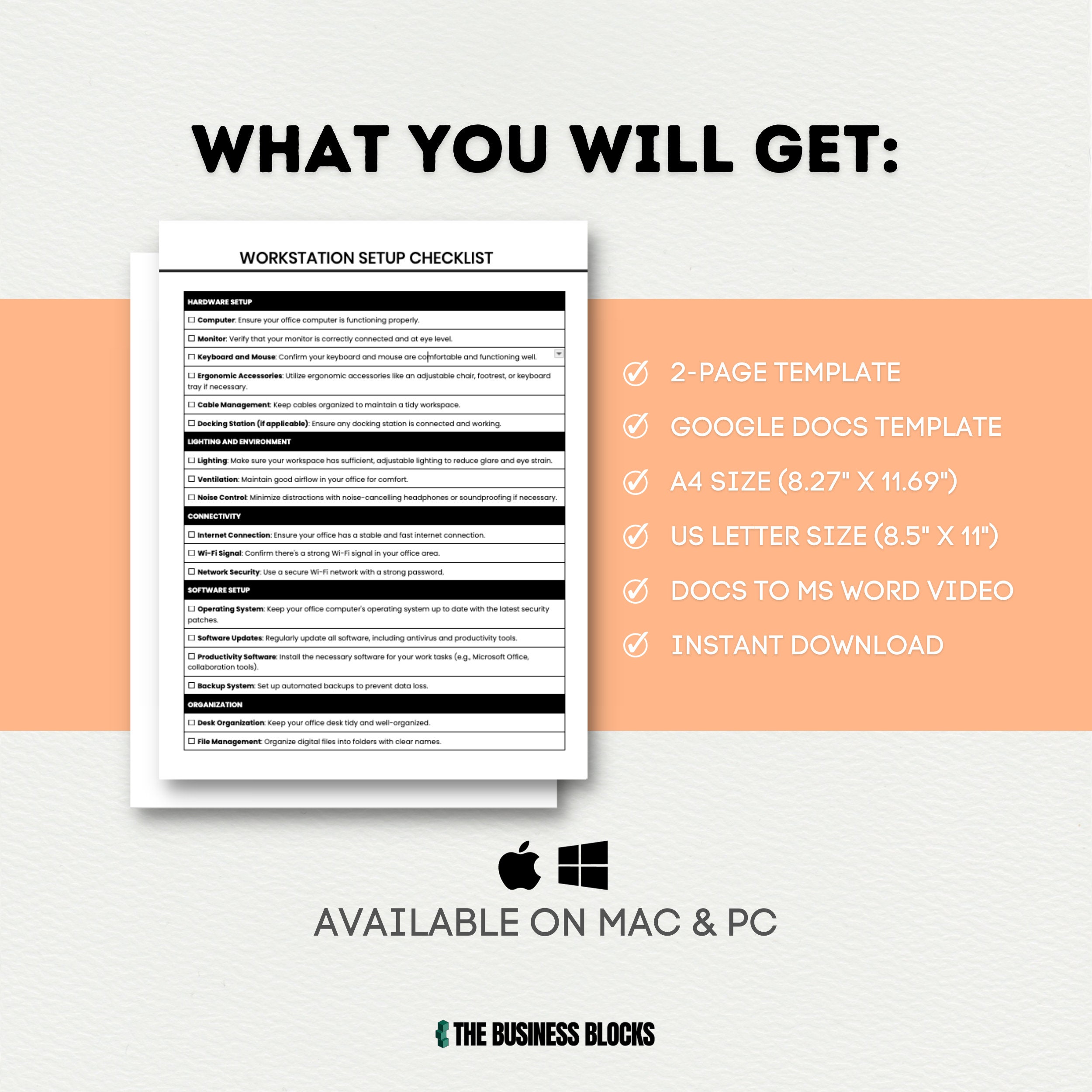
To start, consider the height of your monitor. Place it directly in front of you, at a distance of about 20-25 inches, and at a height that allows you to gaze slightly downward. This position will help you avoid tilting your head back, which can lead to neck strain. Next, ensure your keyboard and mouse are positioned close to your body, allowing you to keep your wrists straight and your shoulders relaxed.
This will help prevent repetitive strain injuries and promote a more natural working posture. Transform Your Workspace For Neck Comfort And Productivity In addition to monitor and keyboard placement, pay attention to your chair and desk height. Your chair should be adjusted to support your lower back, and your desk should be at a comfortable height that allows you to type and work without straining your neck or shoulders. Consider using a document holder to keep papers and documents at eye level, reducing the need to look up and down.
By implementing these simple changes, you can create a workspace that promotes good posture, reduces discomfort, and supports long-term neck health. By following this checklist, you can create a neck-friendly desk setup that benefits not just your neck, but your overall well-being. Ergonomic Desk Setup Secrets To Reduce Neck Strain With a few simple adjustments, you can work more comfortably, reduce the risk of injury, and stay focused and productive throughout the day.