The Carpal Tunnel Cure: Desk Setup For Relief Working long hours at a desk can take a toll on your body, particularly your hands and wrists. If you're experiencing numbness, tingling, or pain in your fingers, you may be suffering from carpal tunnel syndrome. But did you know that making a few simple adjustments to your desk setup can help alleviate these symptoms and bring relief to your wrists? Ergonomic Workspace Essentials For Comfortable Working
By creating a ergonomic workspace, you can reduce strain on your hands and wrists, and potentially even cure carpal tunnel syndrome. A well-designed desk setup starts with proper positioning of your monitor, keyboard, and mouse. Place your monitor directly in front of you, at a distance of about 20-25 inches, and at a height that allows you to gaze slightly downward. This will help prevent you from tilting your head up or down, which can put strain on your neck and shoulders.
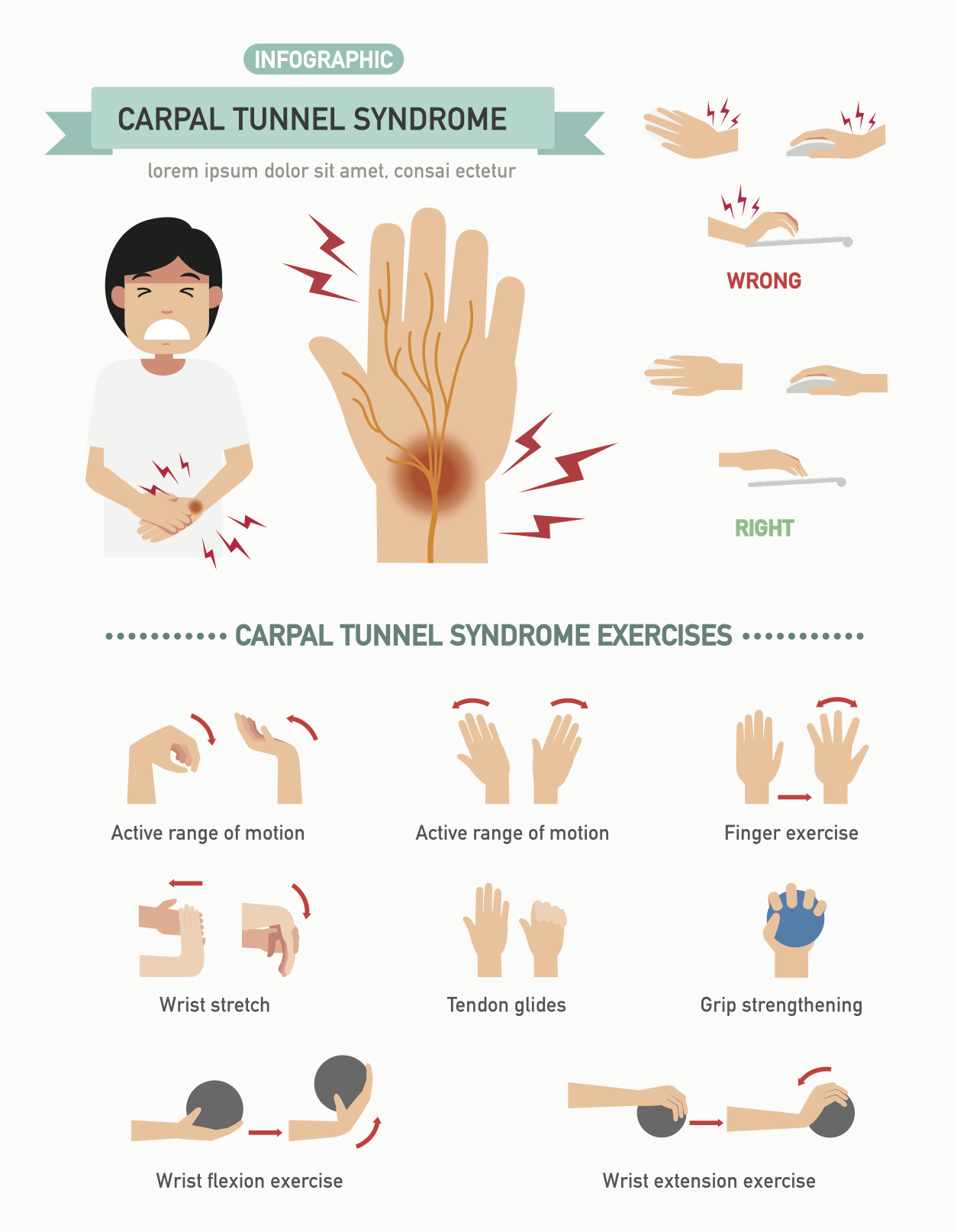
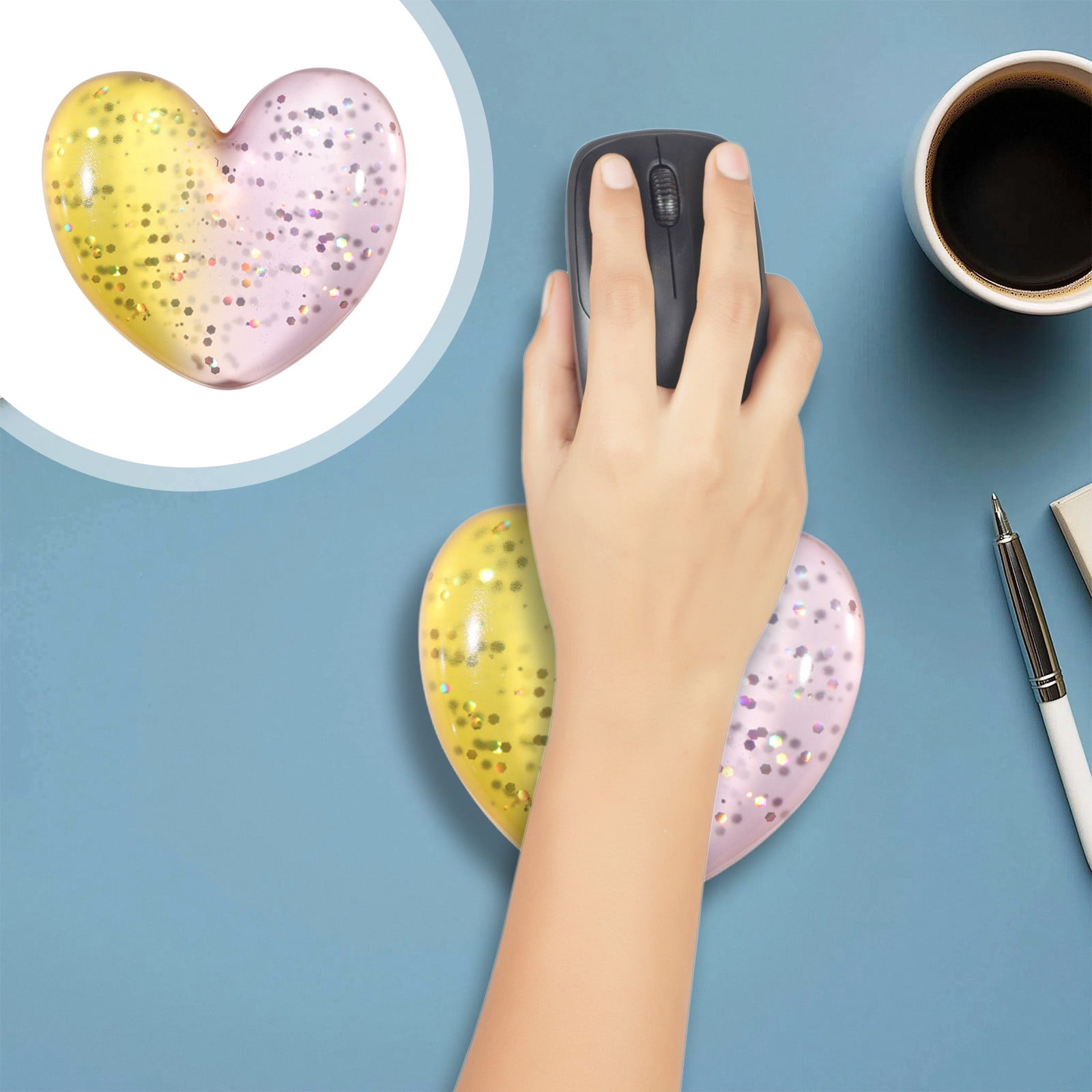
Your keyboard and mouse should be positioned close to your body, with your wrists straight and your elbows at a 90-degree angle. 5 Simple Hacks For An Ergonomic Office Setup At Home This will help reduce bending and twisting of your wrists, which can exacerbate carpal tunnel syndrome. Another crucial aspect of a ergonomic desk setup is chair height and lumbar support. Your chair should be adjusted to allow your feet to rest flat on the floor or on a footrest, with your knees at or below hip level.
This will help maintain good posture and reduce strain on your lower back. Additionally, look for a chair with adequate lumbar support to ensure your spine is properly aligned. Say Goodbye To Wrist Strain With A Thoughtful Desk Layout By investing in a good chair and proper desk setup, you can take the first step towards a carpal tunnel cure. By making these simple adjustments to your desk setup, you can reduce your risk of developing carpal tunnel syndrome and alleviate symptoms if you're already experiencing them.
Take the time to set up your workspace correctly, and you may find that your hands and wrists feel significantly better in no time.