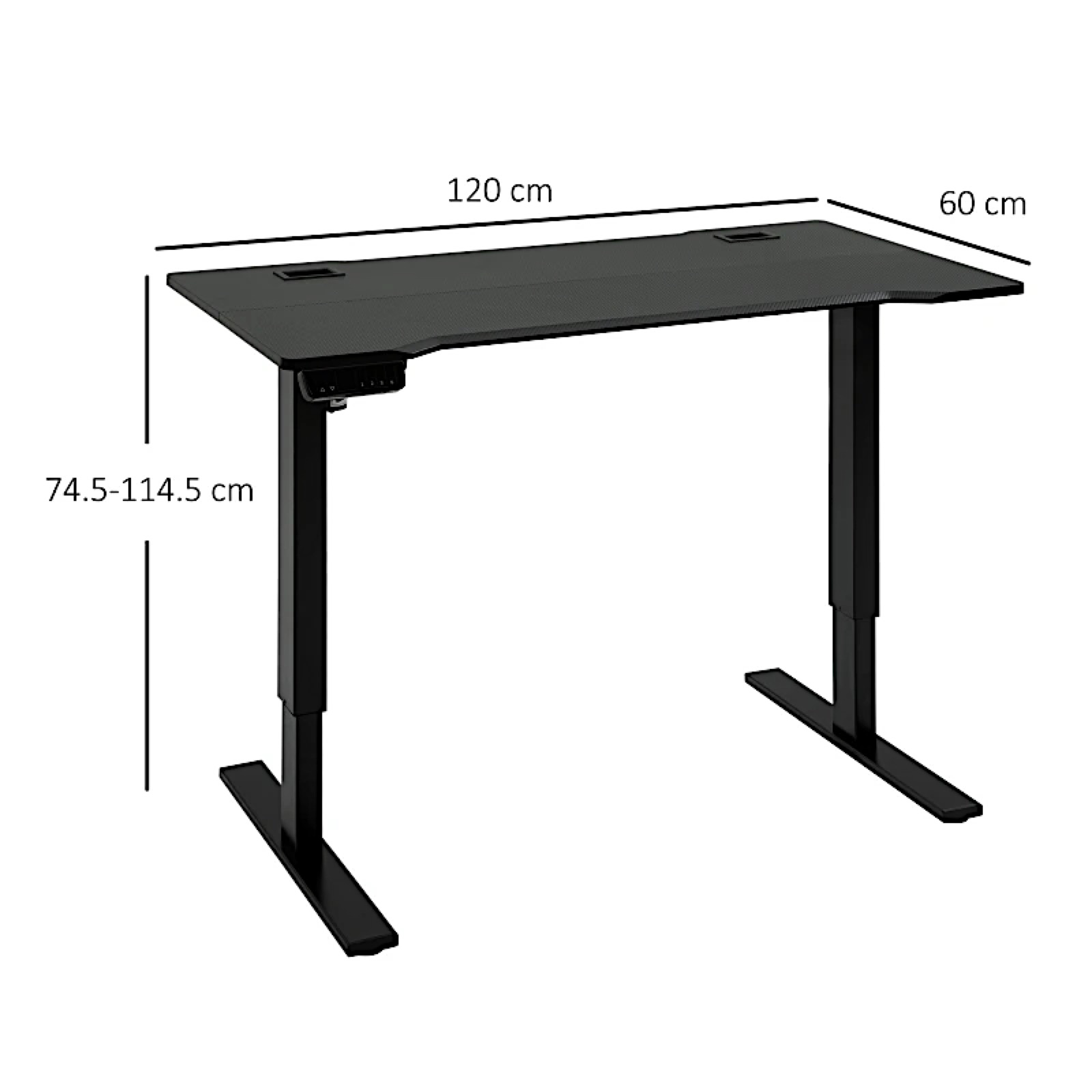
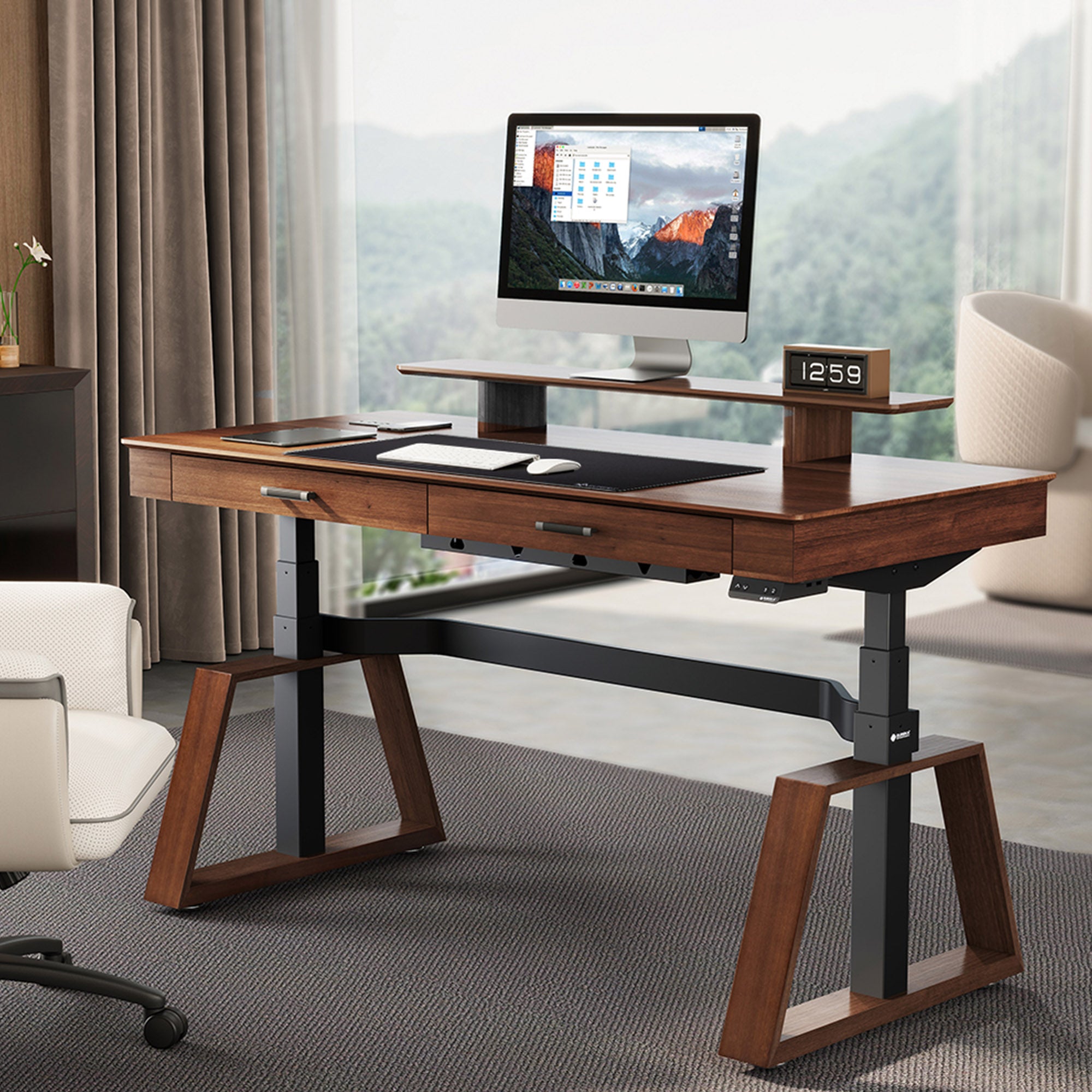
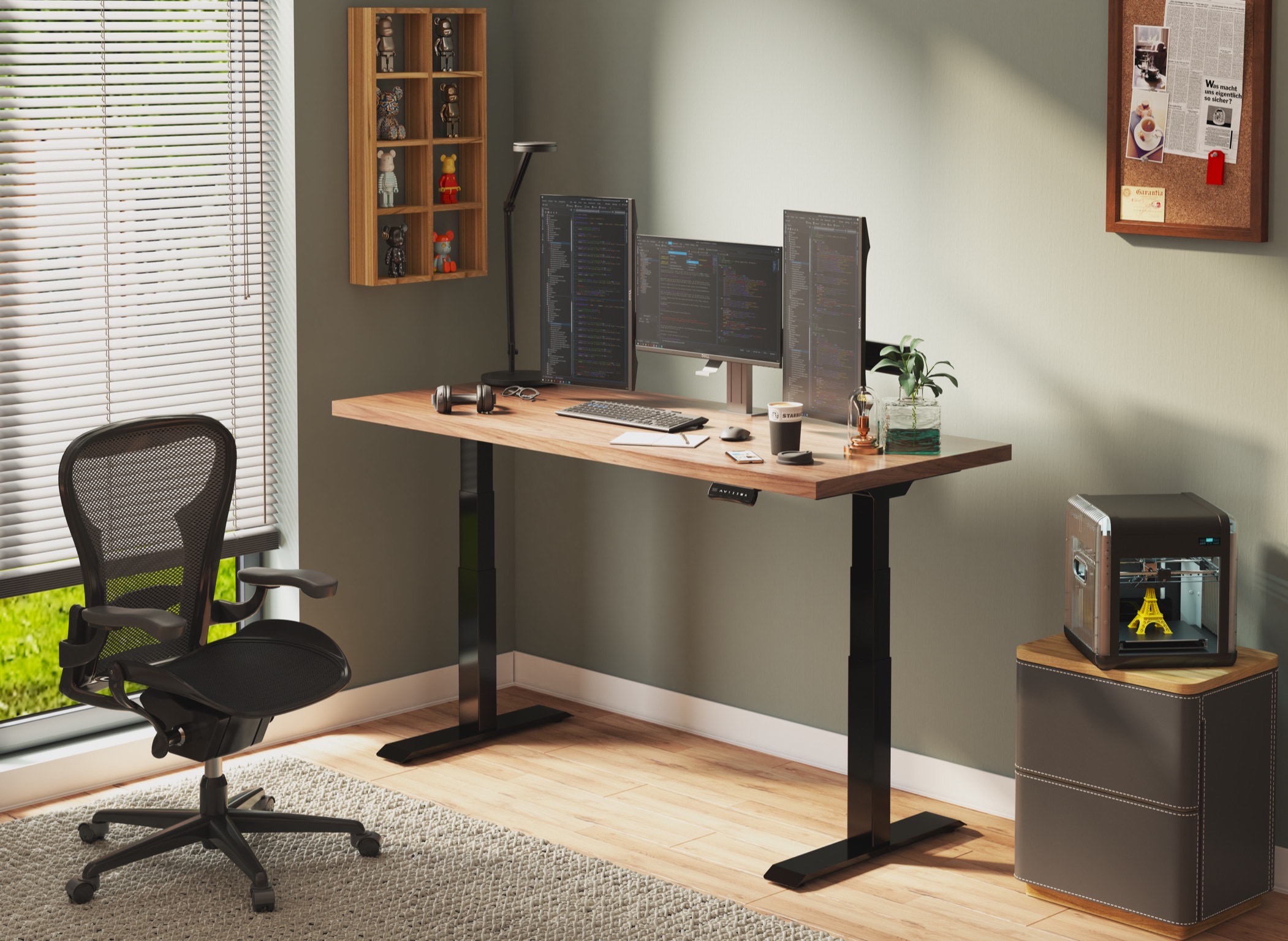
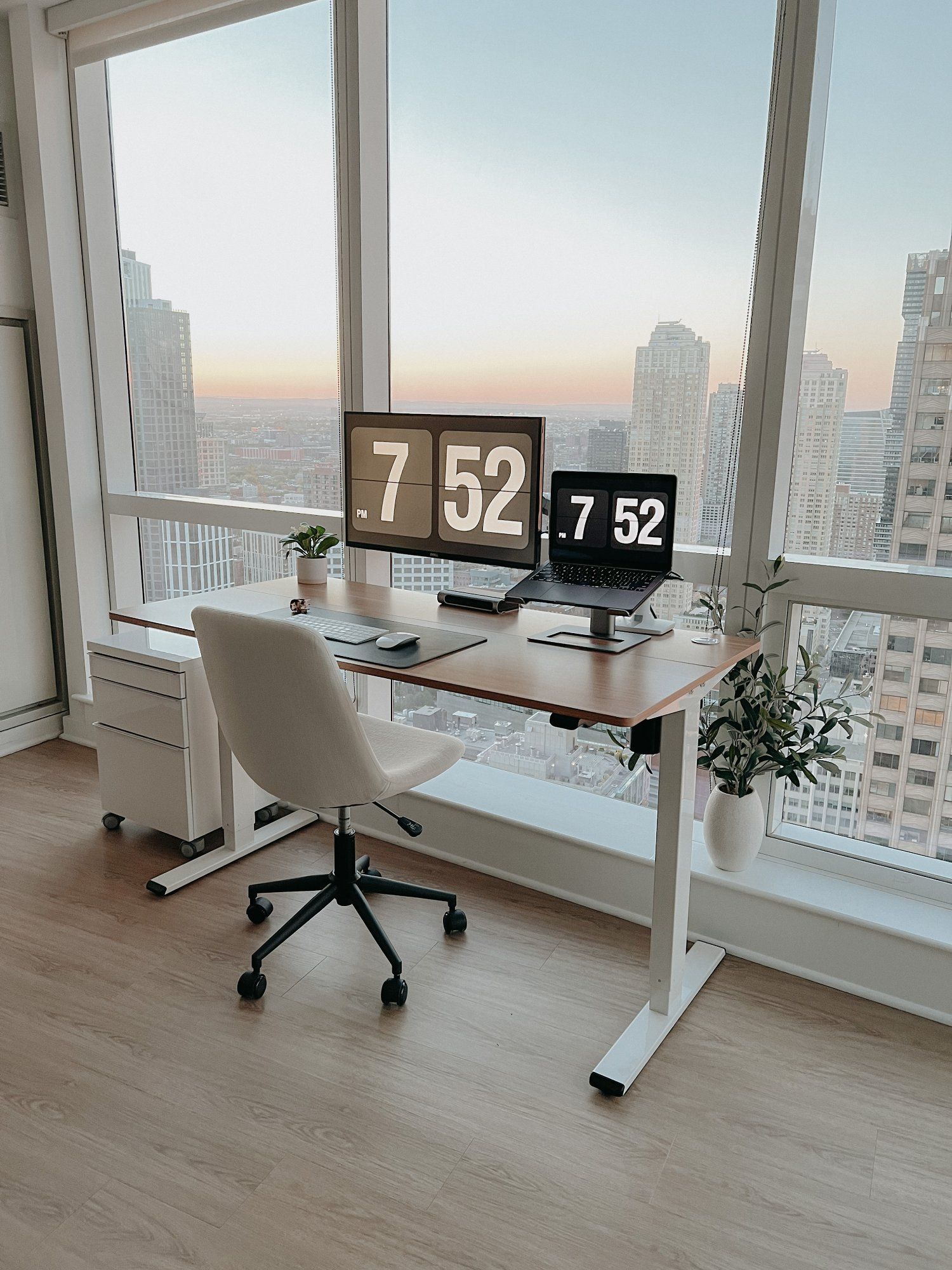
Setting up an effective standing desk for long sessions requires careful consideration of ergonomic principles and comfortable working arrangements. A well-designed standing desk can significantly reduce the risk of musculoskeletal disorders and improve overall productivity, but only if it is tailored to the individual's needs. To begin, it's essential to choose a desk that allows for adjustable height settings, enabling users to switch between standing and sitting positions seamlessly. Create A Home For Your Office Essentials: Desk Organization
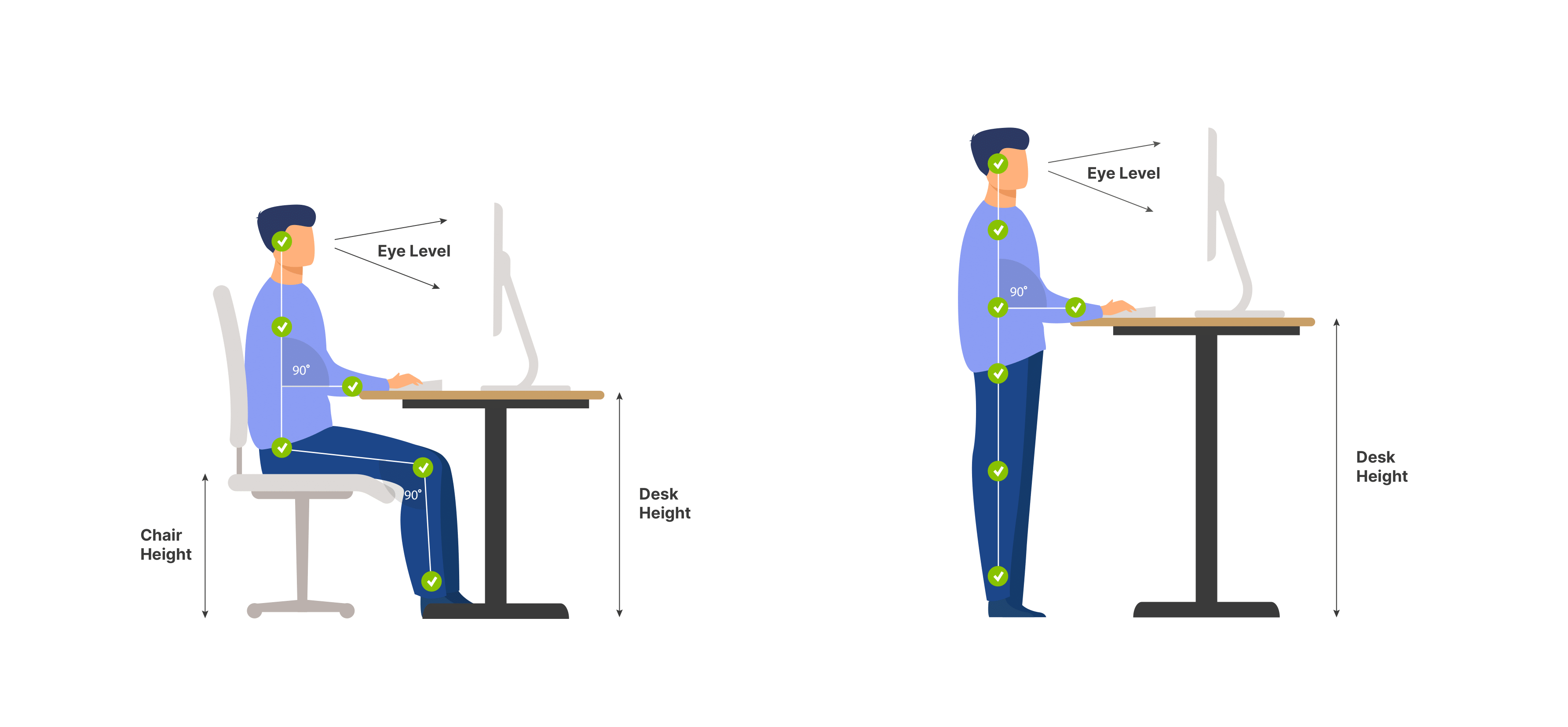
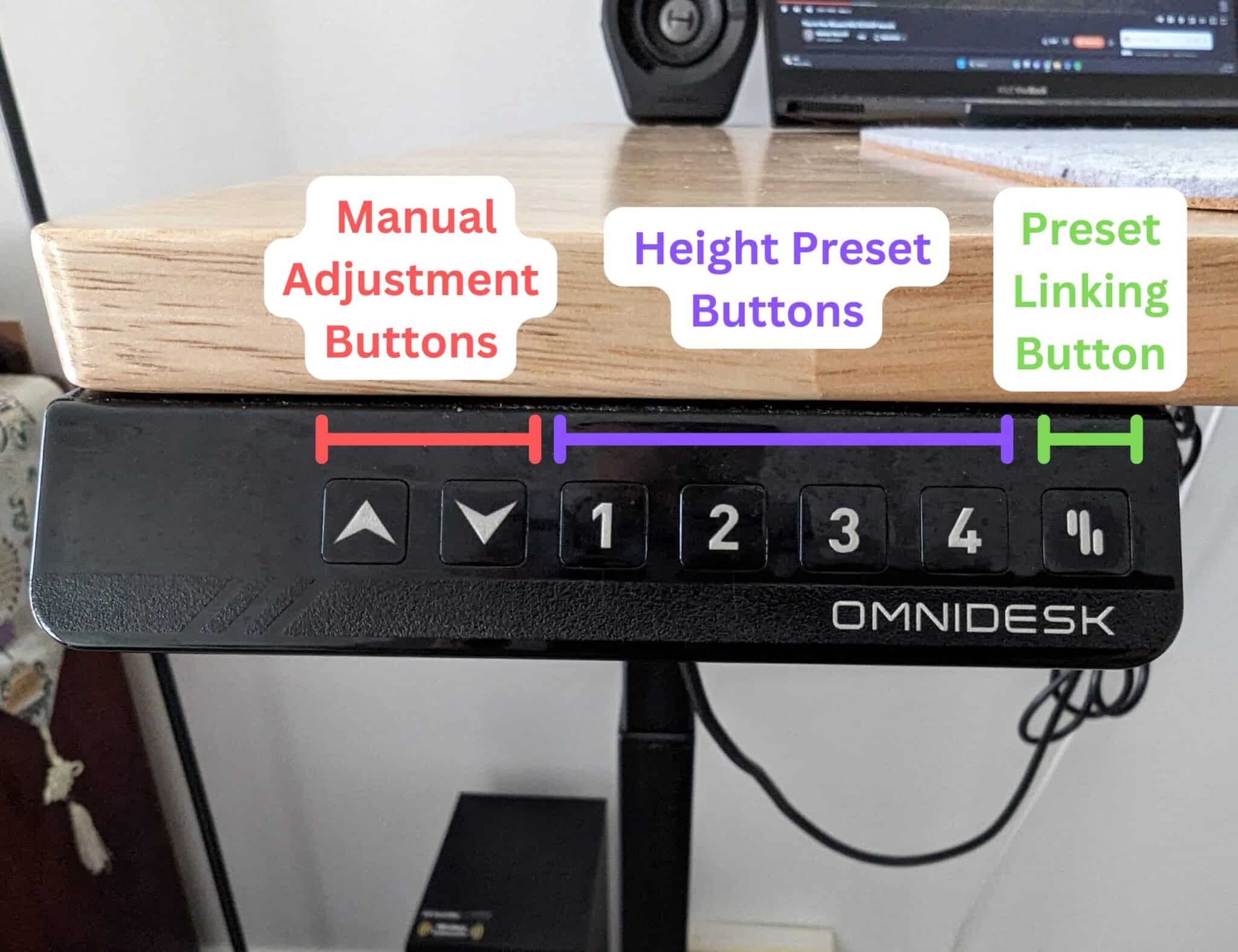
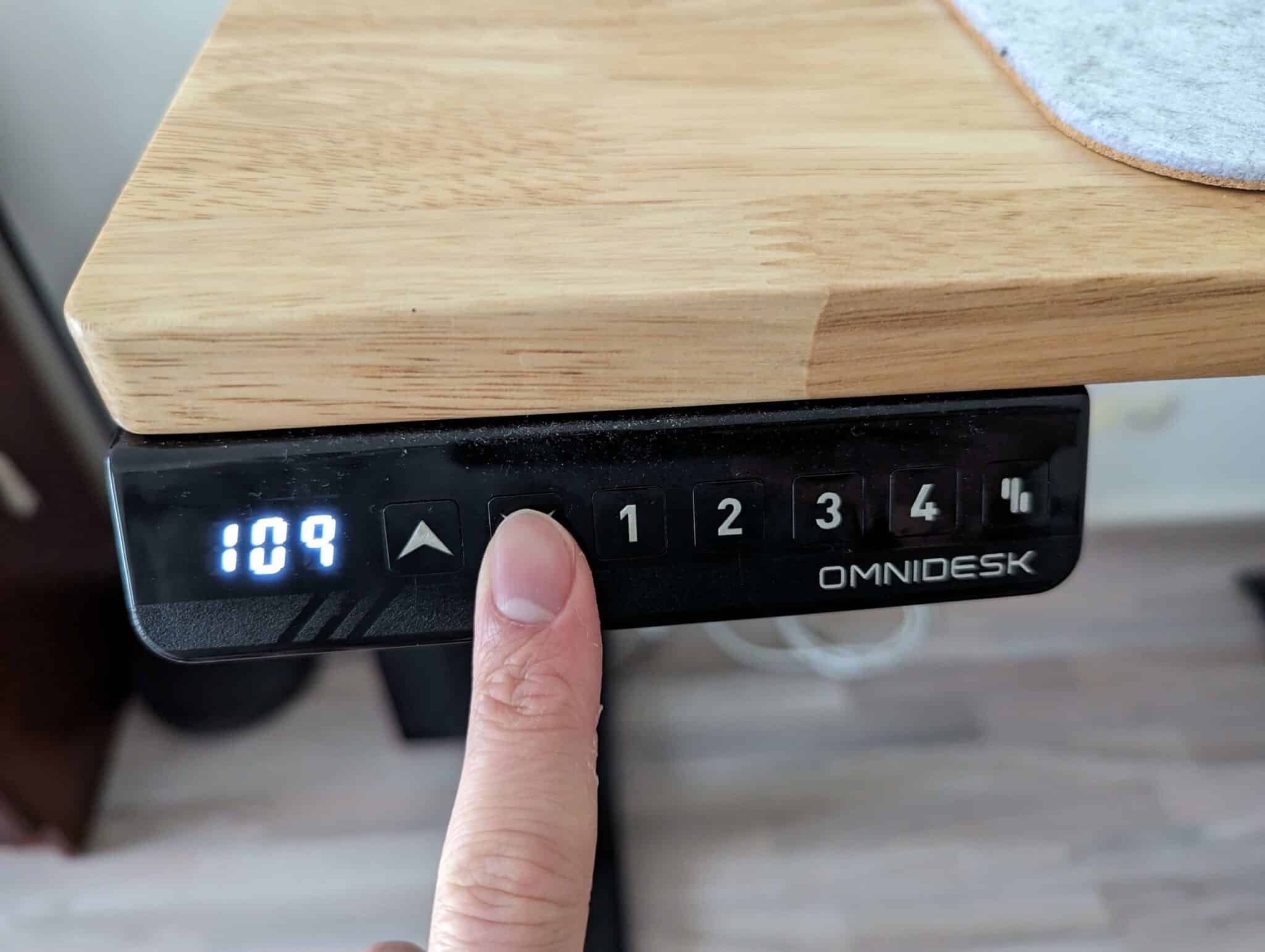
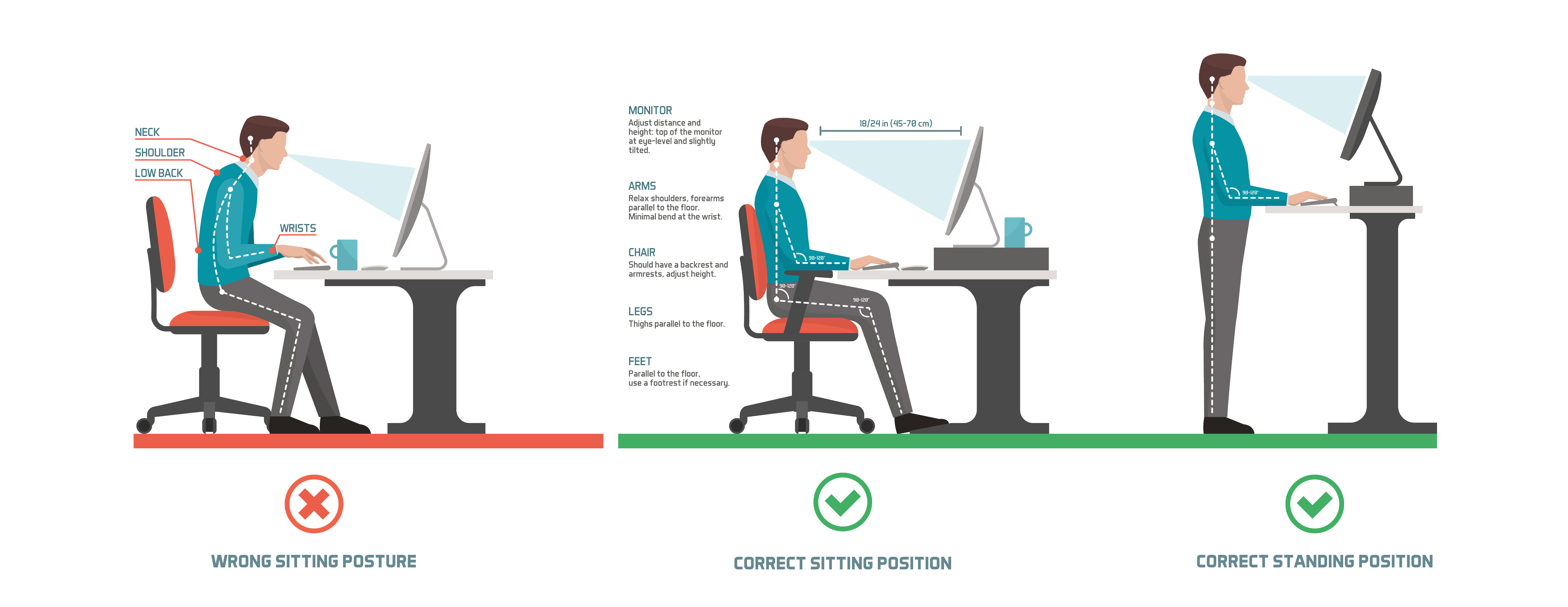
This flexibility is crucial for maintaining blood flow and reducing pressure on the lower back during extended periods of work. Standing desks often come with pre-set height options, but some models allow for manual or motorized adjustments, providing greater customization. When setting up the standing desk, consider the importance of monitor and keyboard positioning. The ideal setup has the monitor directly in front of the user, at a distance of around 20-25 inches, with the top of the screen at eye level.
Similarly, keyboards should be placed directly in front of the user, with wrists straight and elbows at a 90-degree angle. Improve Focus With These 7 Desk Setup Tips This ensures comfortable working postures and minimizes the risk of developing repetitive strain injuries. For long sessions, incorporating ergonomic accessories, such as anti-fatigue mats and document holders, can further enhance the effectiveness of the standing desk. These accessories can help maintain a healthy working posture, reduce eye strain, and encourage more efficient movement throughout the workday.
By carefully setting up a standing desk and incorporating supportive accessories, users can enjoy the numerous benefits of standing work, including improved energy levels and reduced back pain.