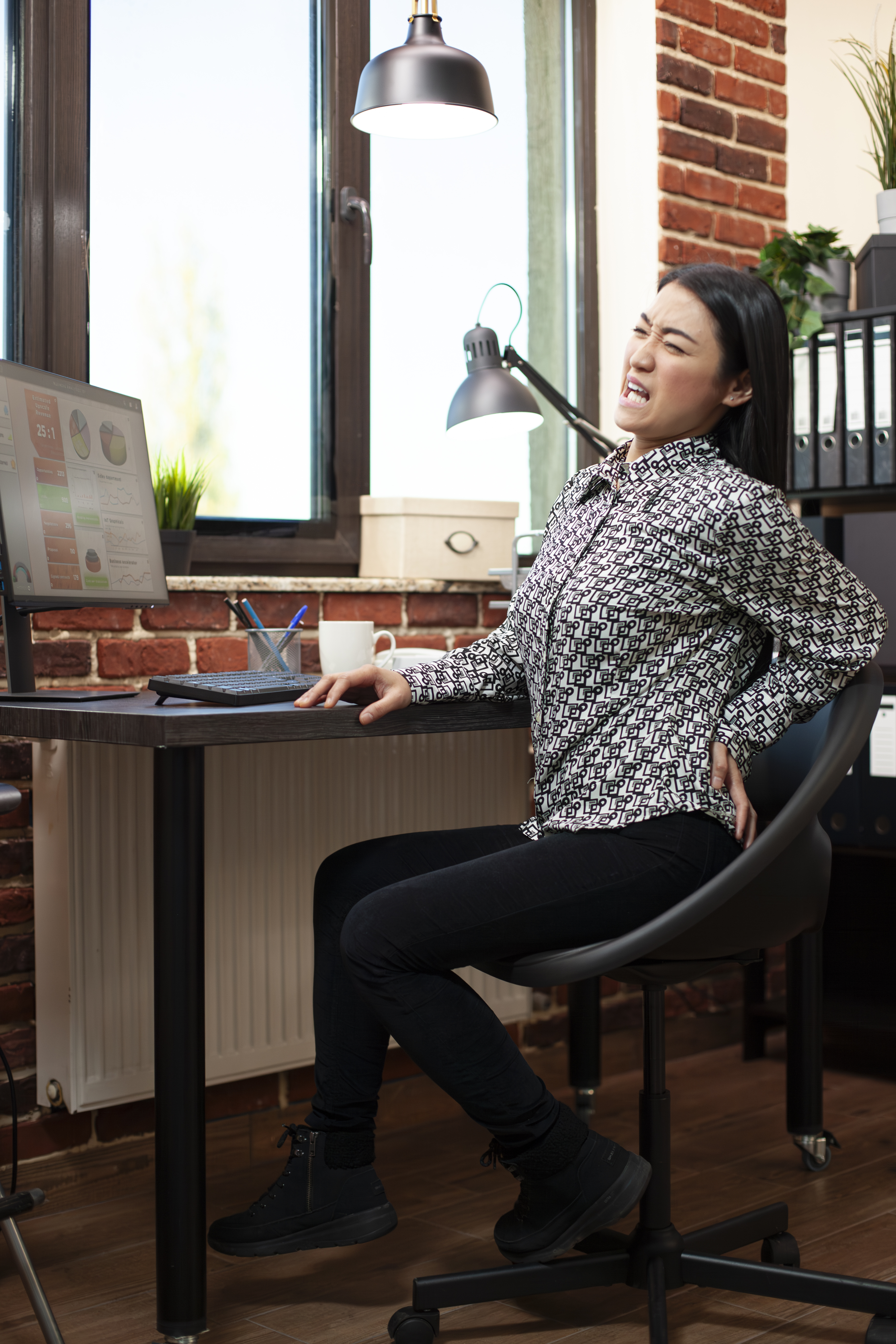
Say Goodbye To Back Pain With This Ergonomic Workspace Guide Are you tired of feeling like a hobble with back pain every time you sit at your desk? Do you struggle to find a comfortable position that doesn't leave you cramping or sore? You're not alone. Unlock The Secret To A Perfectly Balanced Home Office Setup
According to the American Chiropractic Association, back pain affects millions of Americans every year, and a significant portion of that is directly related to poor workspace ergonomics. But the good news is that you can say goodbye to back pain by setting up your workspace to promote good posture and reduce strain on your back. Start by adjusting your chair height to fit your body. Your feet should be flat on the floor or on a footrest, with your knees at or below hip level.
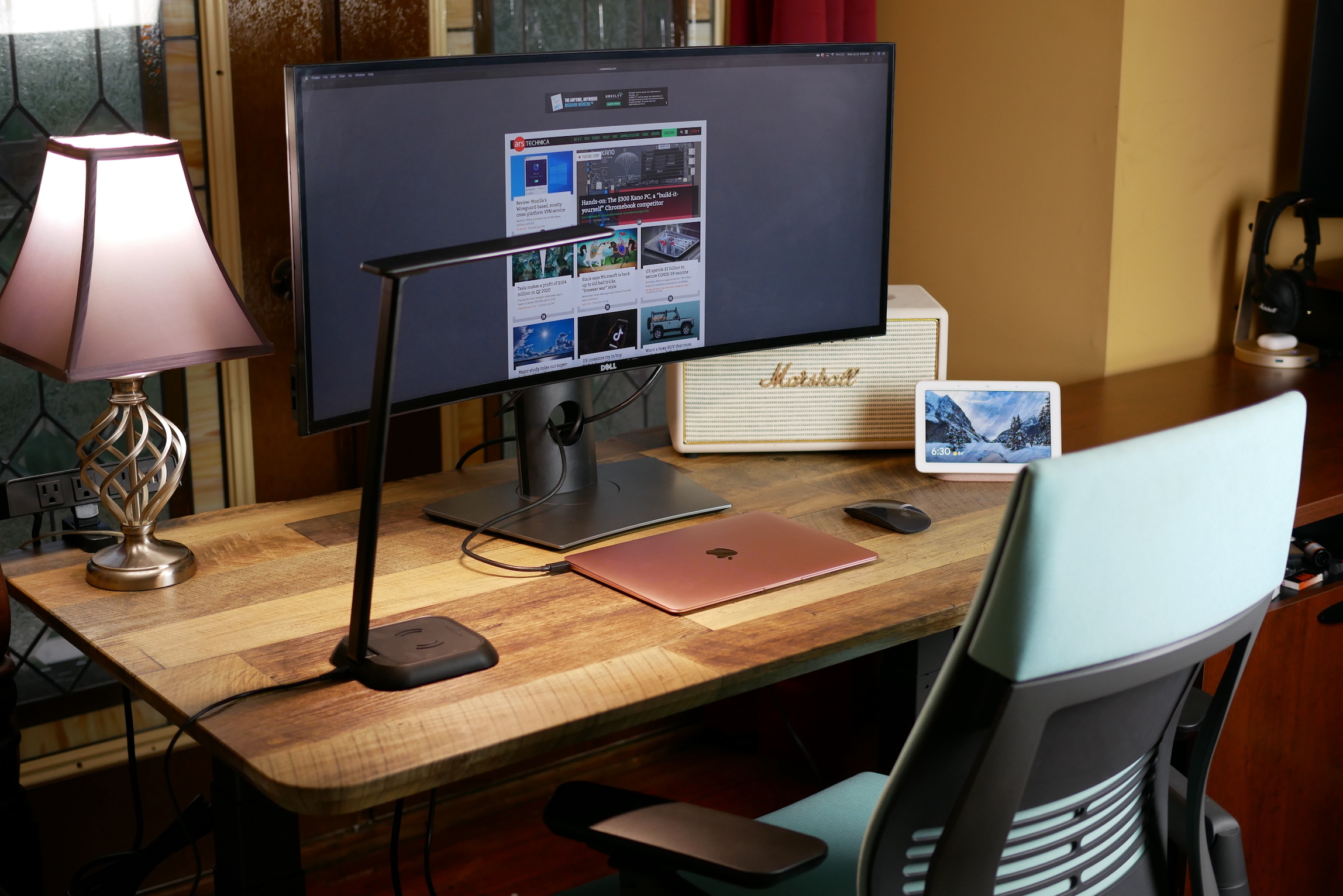
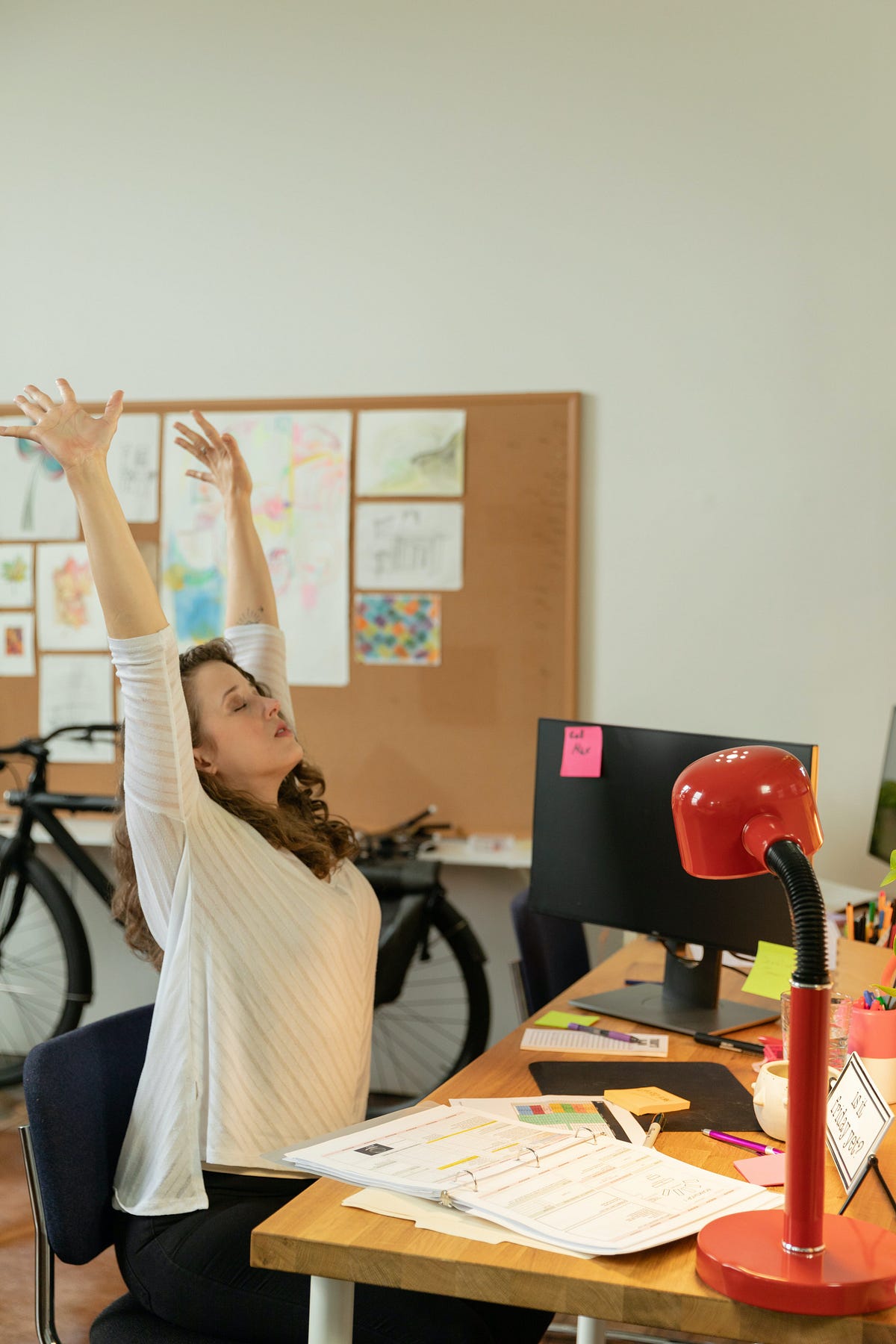
Make sure your monitor is at a comfortable distance and height, so you're not tilting your head up or down to see the screen. Boost Your Focus And Productivity With These Ergonomic Hacks And consider investing in a document holder to keep papers at eye level and avoid reaching forward. Ergonomic accessories like a standing desk or a wrist rest for your keyboard can also make a big difference. And don't forget to take breaks throughout the day to stretch and move around.
By making these simple adjustments to your workspace, you can reduce your risk of back pain and create a more comfortable, productive work environment. With a little bit of effort and attention to detail, you can create a workspace that's designed to support your back and promote good health. The Ultimate Guide To Setting Up Your Dream Home Office