Say Goodbye To Back Pain: Ergonomic Desk Setup Guide Are you tired of feeling like your back is screaming at you every time you sit down at your desk? Back pain is a common problem for many people, but it doesn't have to be a permanent fixture. A simple change to your desk setup can make all the difference. Ergonomic Desk Setup Hacks For A More Productive You
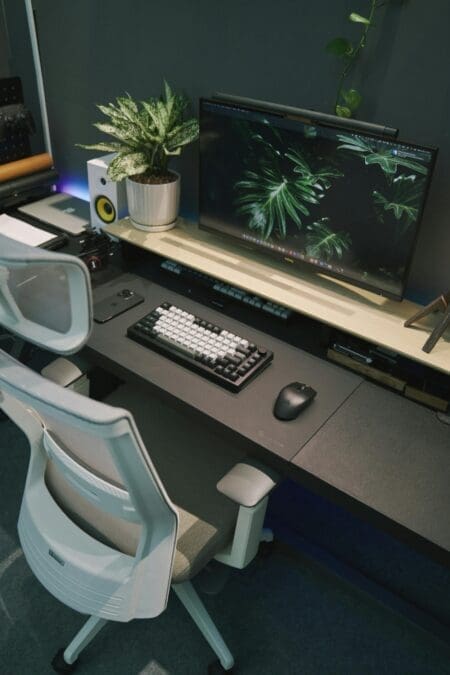
A well-designed ergonomic desk setup is key to preventing back pain and promoting a healthy posture. When setting up your desk, start by ensuring your chair height is adjustable and your feet are flat on the floor or on a footrest. Your knees should be at or below hip level, and your monitor should be directly in front of you, about arm's length away. The top of the monitor should be at eye level or slightly below.
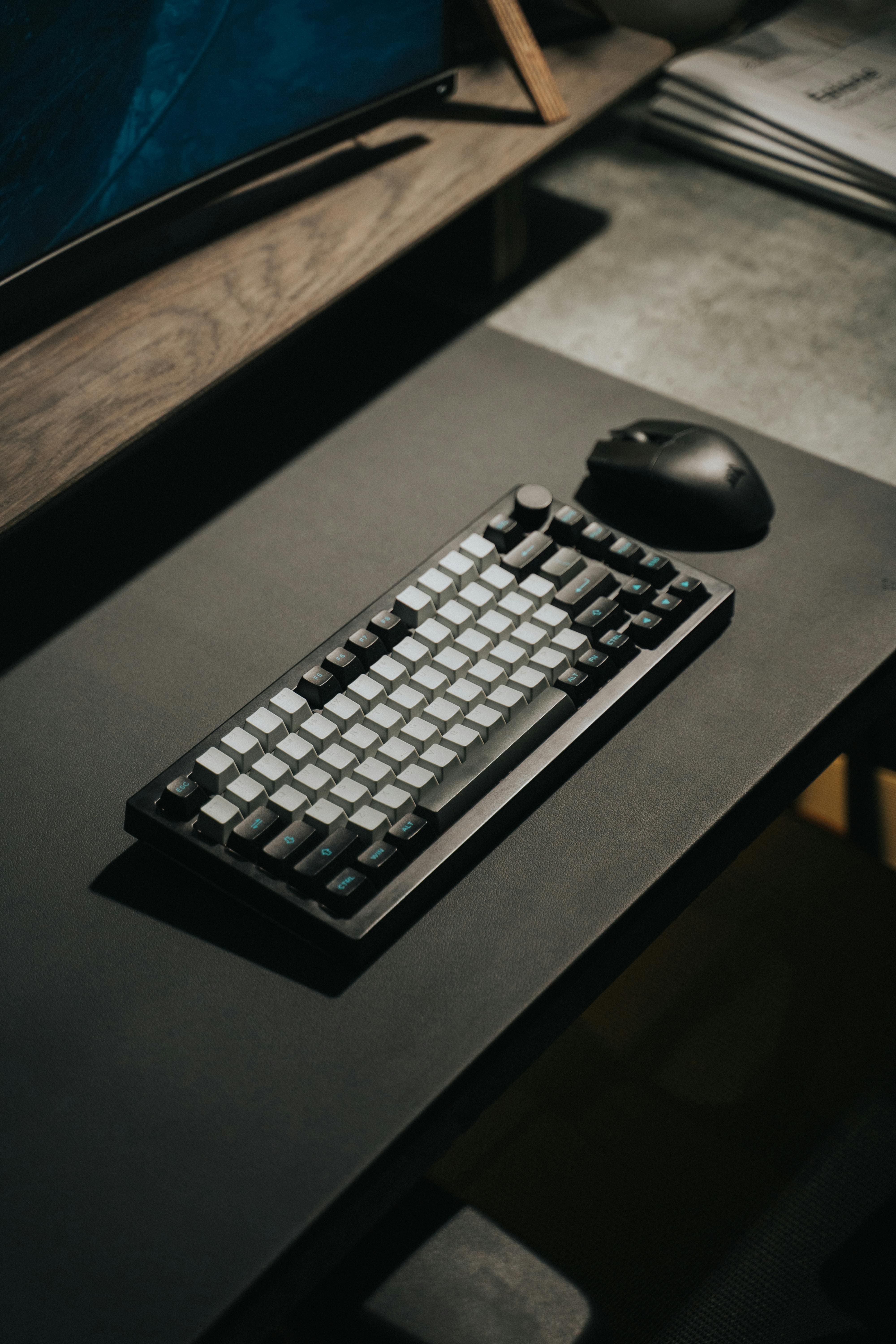
This will help you maintain a neutral spine and avoid straining your back. Ergonomic Workspace Essentials: A Comprehensive Desk Checklist You should also keep your keyboard and mouse close to your body, avoiding reaching forward to type or click. A standing desk or adjustable sit-stand desk can also be a great option for reducing back pain. These desks allow you to switch between sitting and standing throughout the day, which can help reduce muscle fatigue and improve posture.
Additionally, a document holder can help keep your papers at eye level, reducing the need to look down and strain your neck. By following these simple guidelines and making a few adjustments to your desk setup, you can say goodbye to back pain and hello to a healthier, more comfortable working experience. Boost Productivity With The Perfect Ergonomic Workspace Setup With a little bit of effort and some simple changes, you can take control of your back health and feel more energized and focused throughout the day.