Reducing Wrist Pain Through Proper Desk Ergonomics If you're one of the millions of people who spend their workdays typing away on a computer, you may be all too familiar with the ache and discomfort that comes with wrist pain. Repetitive strain injuries and chronic pain can be debilitating, forcing you to take time off work and seek medical attention. However, there's good news - by implementing proper desk ergonomics, you can reduce your risk of developing wrist pain and alleviate existing discomfort. Desk Setup Tricks To Keep Your Wrist In Comfort
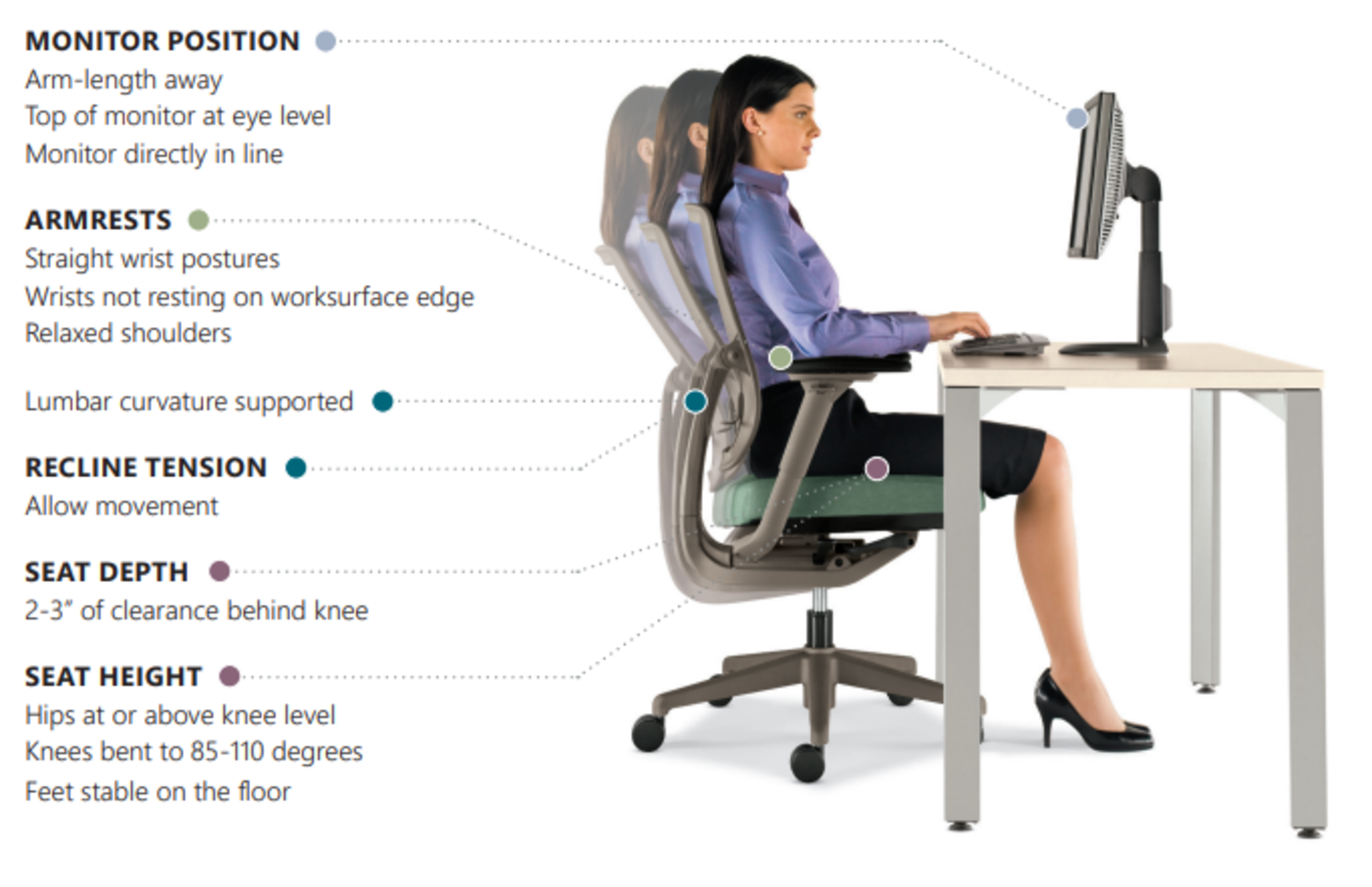
When setting up your workspace, it's essential to consider the position of your computer, keyboard, and mouse. A monitor that's too low or too high can cause you to crane your neck, leading to discomfort in your wrists and shoulders. To avoid this, position your screen directly in front of you, at a distance of about 20-25 inches, and at a height that allows you to gaze slightly downward. Your keyboard and mouse should also be positioned to allow your wrists to remain in a neutral position, with your elbows at a 90-degree angle and your wrists straight.
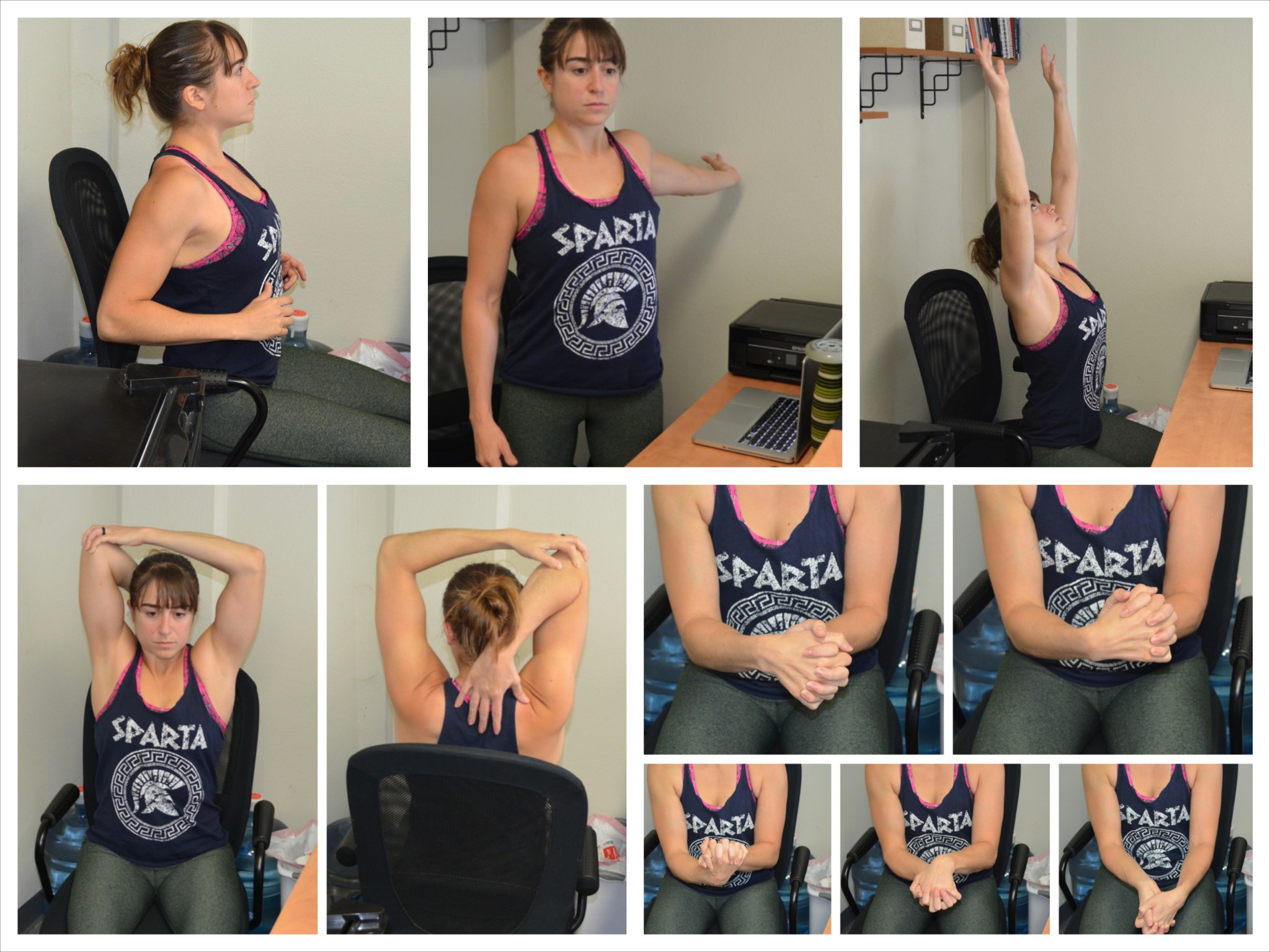
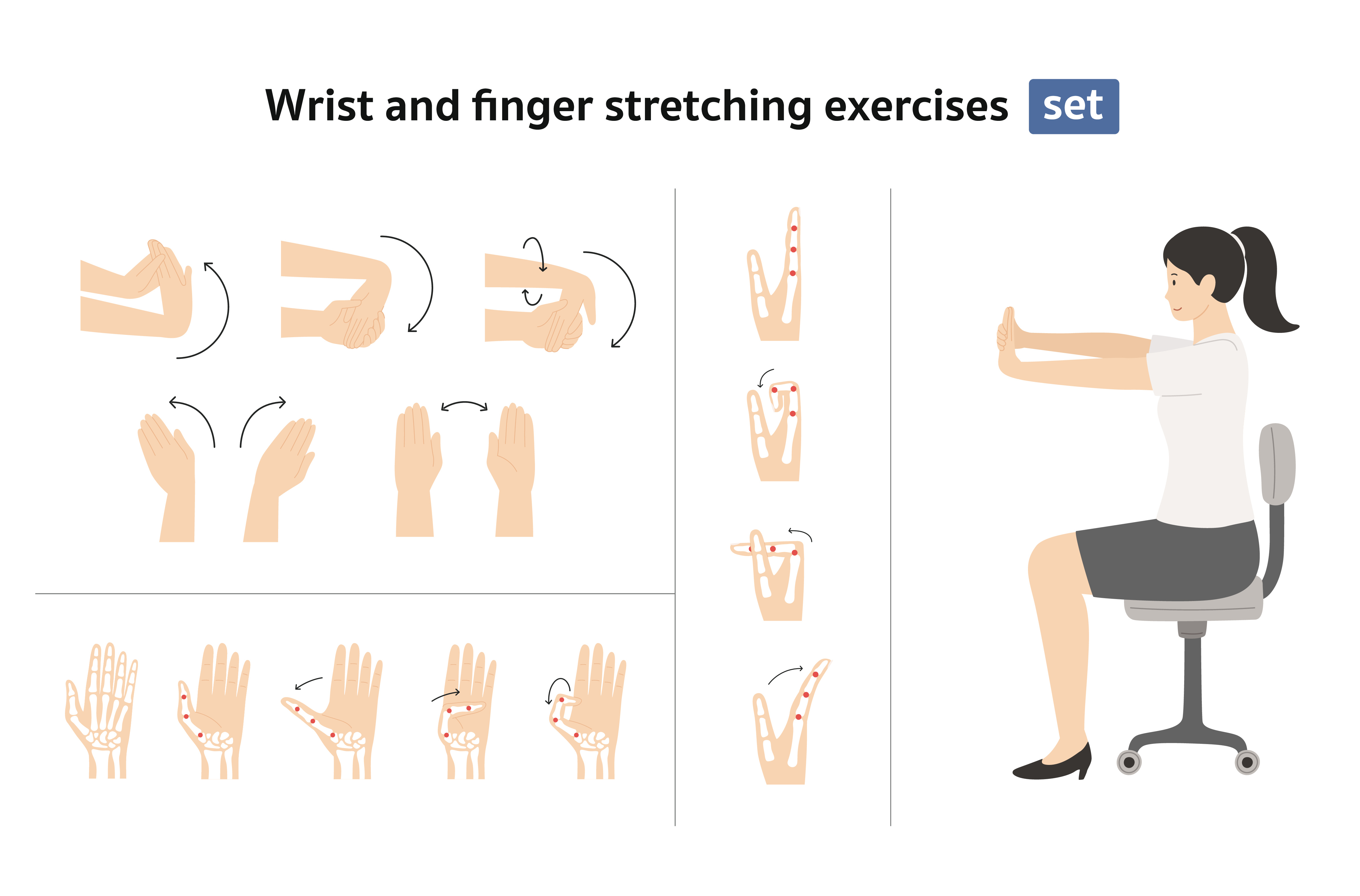
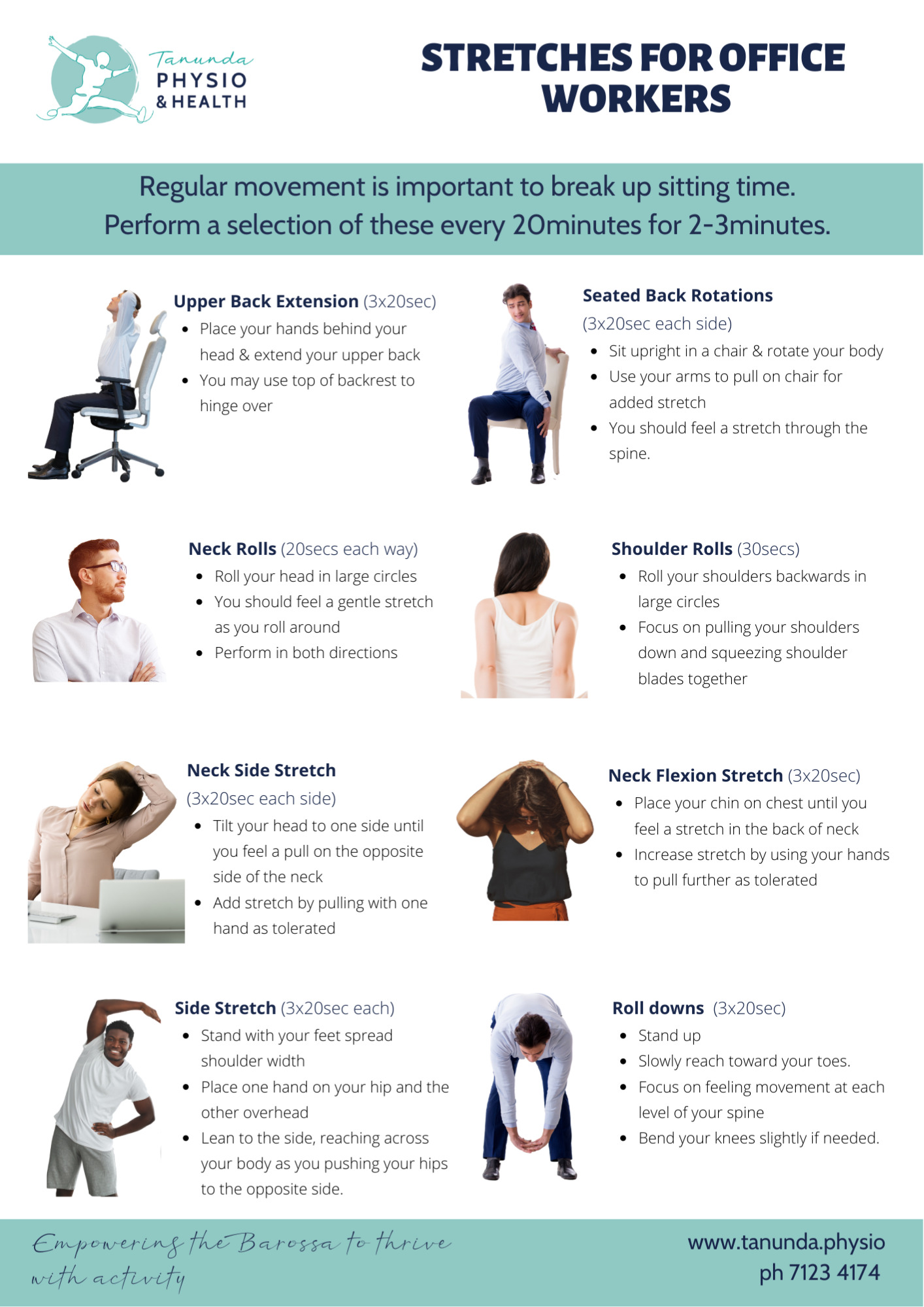
In addition to positioning, it's also crucial to consider the type of keyboard and mouse you're using. Desks For Wrist Pain: Top Designs To Alleviate Discomfort A keyboard with a split or curved design can help reduce strain on your wrists, while a vertical mouse can eliminate the need to twist your wrist to navigate. Taking regular breaks to stretch and move around can also help reduce the risk of developing wrist pain. By making these simple adjustments to your workspace, you can reduce your risk of developing wrist pain and alleviate existing discomfort.
Remember, proper desk ergonomics is not a one-size-fits-all solution - take the time to experiment and find the setup that works best for you.