Optimize Your Standing PC Workspace With These Essential Tips As the benefits of standing desks continue to gain attention, many individuals are turning to standing PC workstations to boost their productivity and overall well-being. However, a poorly optimized standing PC workspace can quickly lead to discomfort, fatigue, and decreased performance. To ensure you get the most out of your standing PC setup, it's essential to optimize your workspace with the right combination of ergonomic accessories and intelligent design choices. Standing Desks For PC: Boost Your Productivity And Wellness
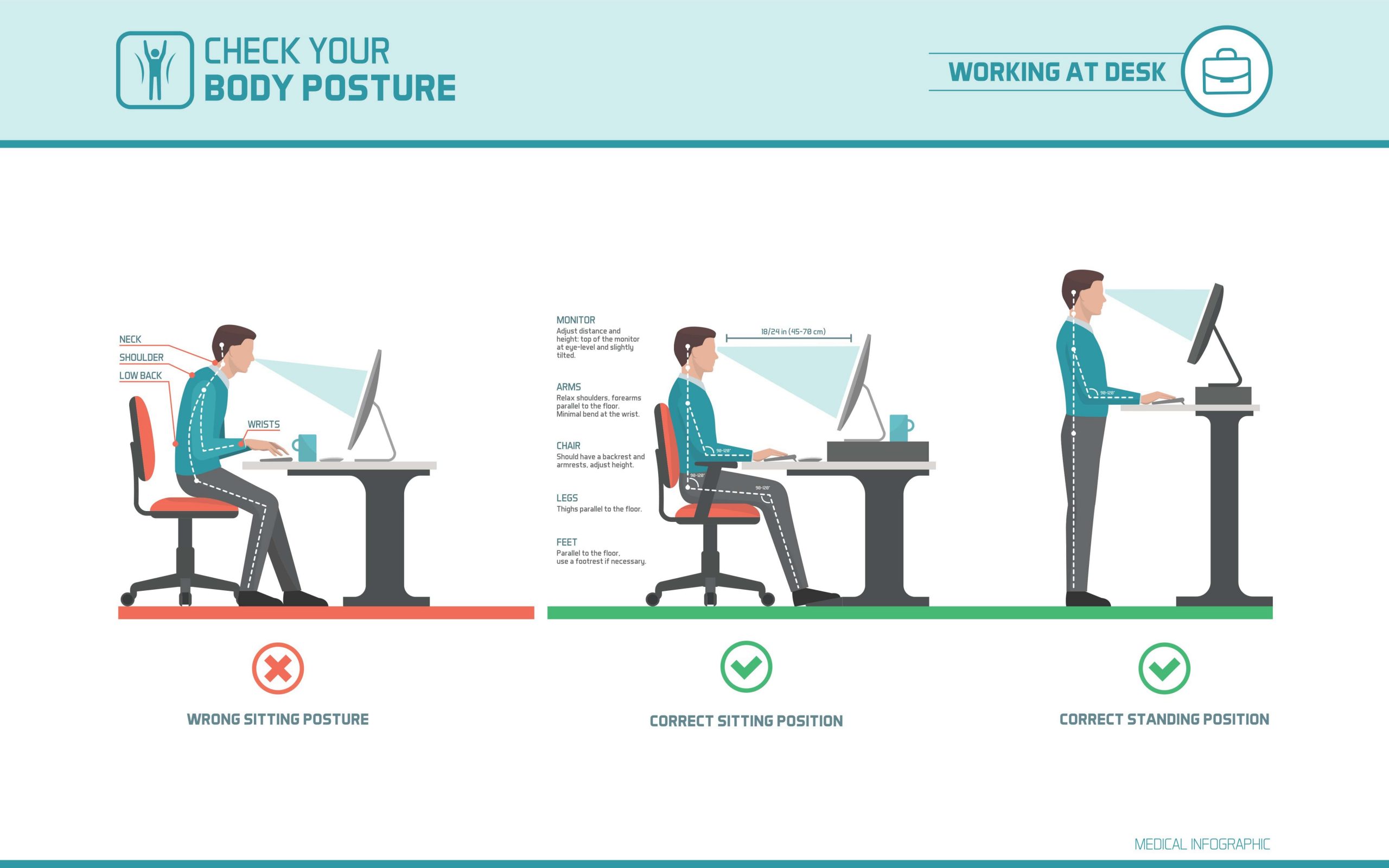
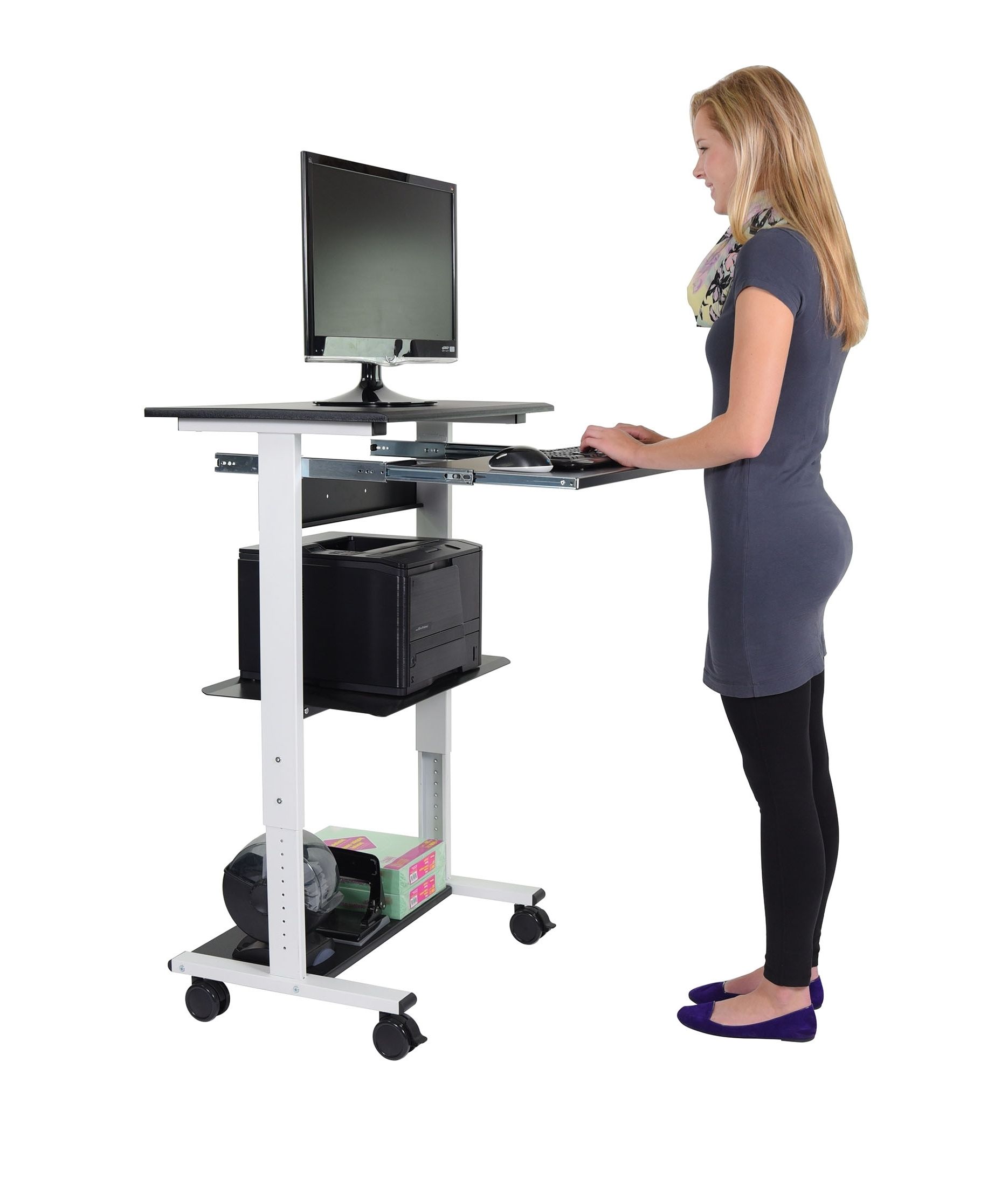
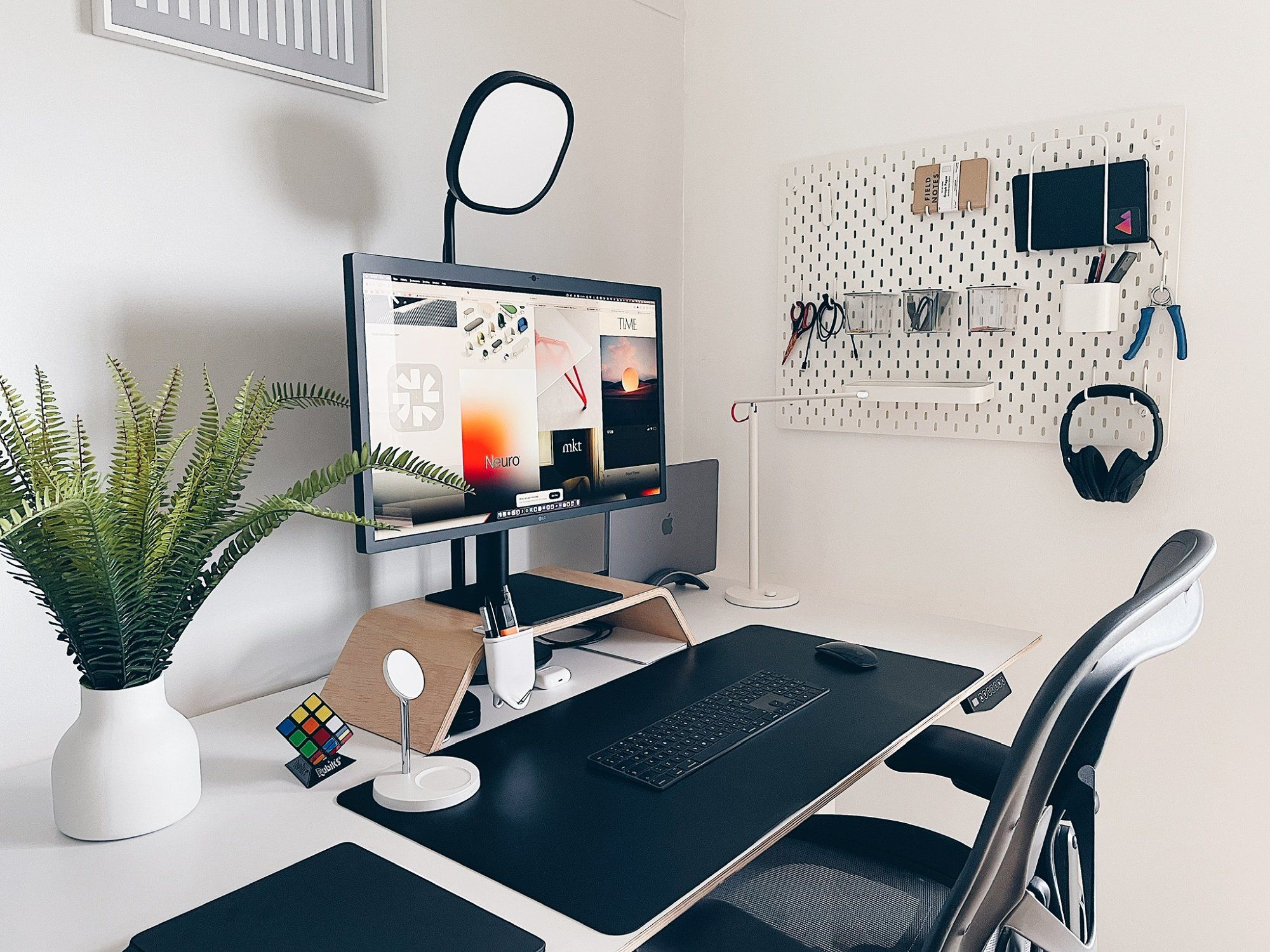
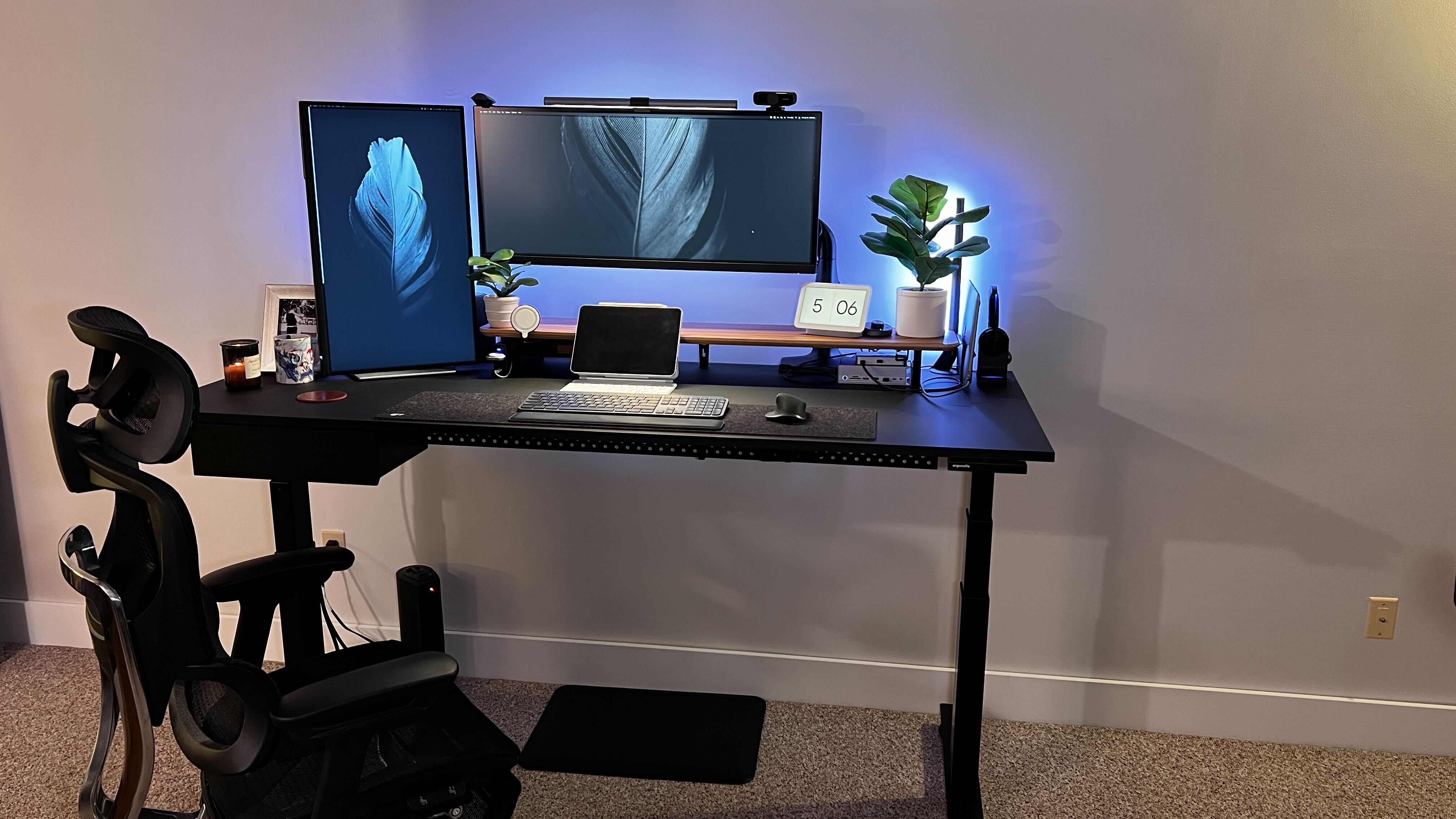
One of the most critical elements to consider is monitor height and placement. Positioning your screen at eye level, about 20-25 inches from your body, can help reduce strain on your neck and shoulders. Additionally, using a monitor arm or riser can provide flexibility and adjustability, allowing you to fine-tune the position of your screen to suit your needs. This thoughtful consideration can significantly enhance your computing experience and prevent long-term damage to your musculoskeletal system.
Another crucial aspect to focus on is keyboard and mouse placement. 10 Game-Changing Desk Products From Our 55-Piece Collection Positioning your keyboard directly in front of your body, with your elbows at a 90-degree angle, can help promote good posture and reduce pressure on your wrists and hands. Using a standing desk with built-in cable management can also keep your workspace organized and clutter-free, allowing you to focus on your work without distractions. By implementing these simple yet effective tips, you can create a standing PC workspace that is both comfortable and efficient.