Mastering Zoho Desk Setup For Improved Customer Experience Setting up a customer support system that truly delivers a great experience for your clients can be a daunting task, but Zoho Desk offers a powerful solution. By mastering the setup of this platform, businesses can streamline their workflows, respond to customer inquiries more efficiently, and ultimately drive customer loyalty. Customer experience is a key differentiator in today's competitive market, and a well-executed Zoho Desk setup can make all the difference. Get Ahead Of The Game With A Well-Optimized Zoho Desk Config
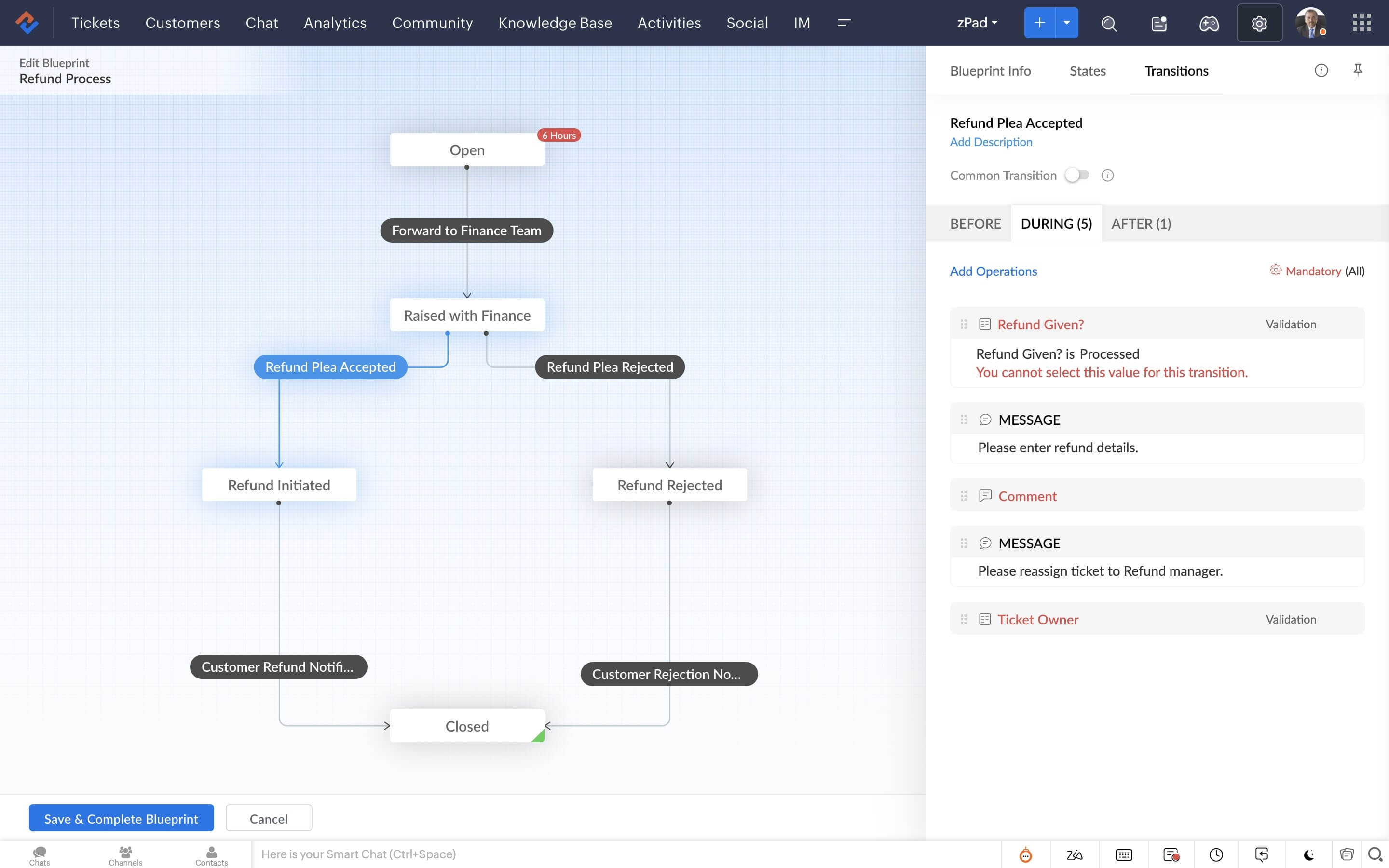
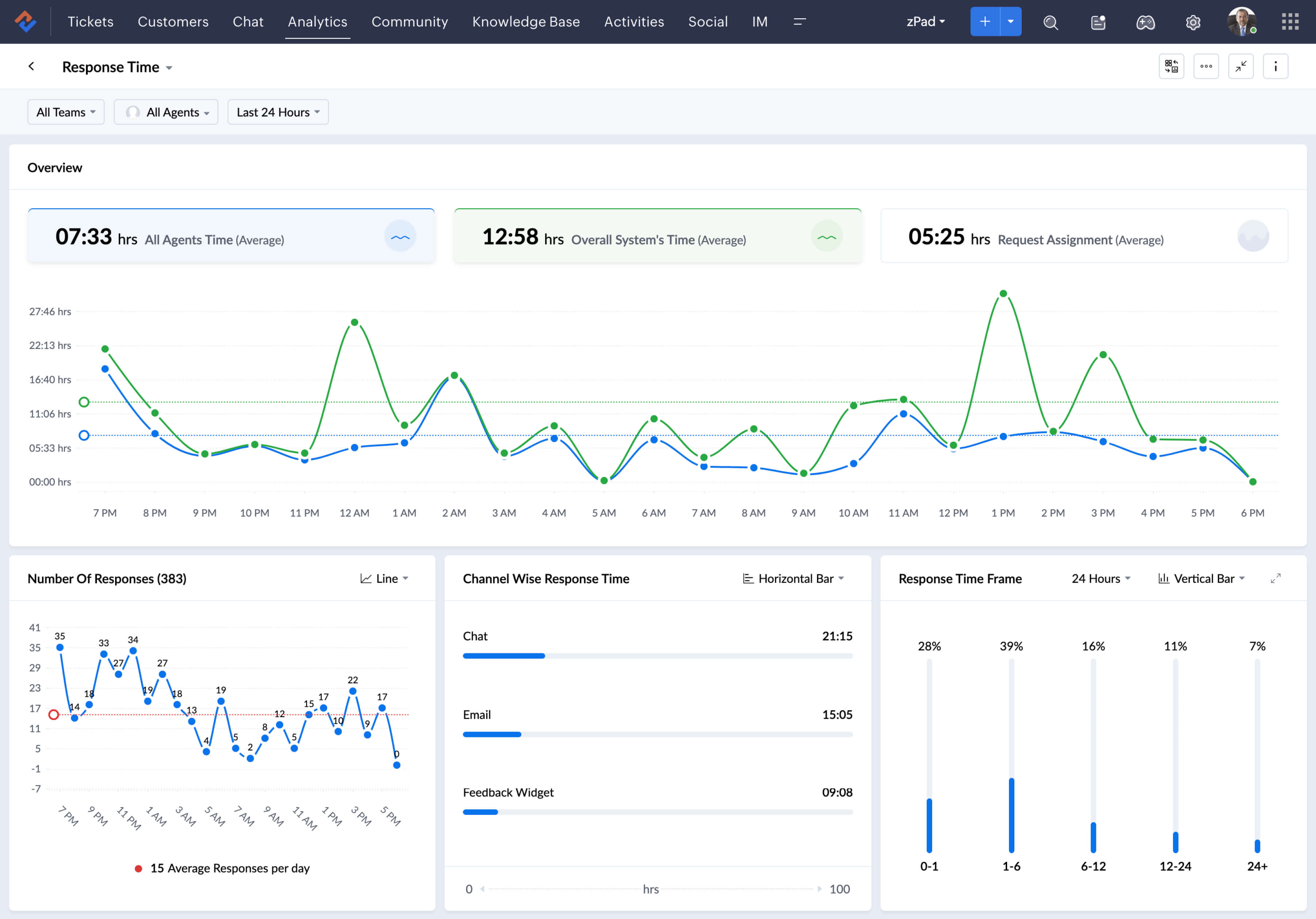
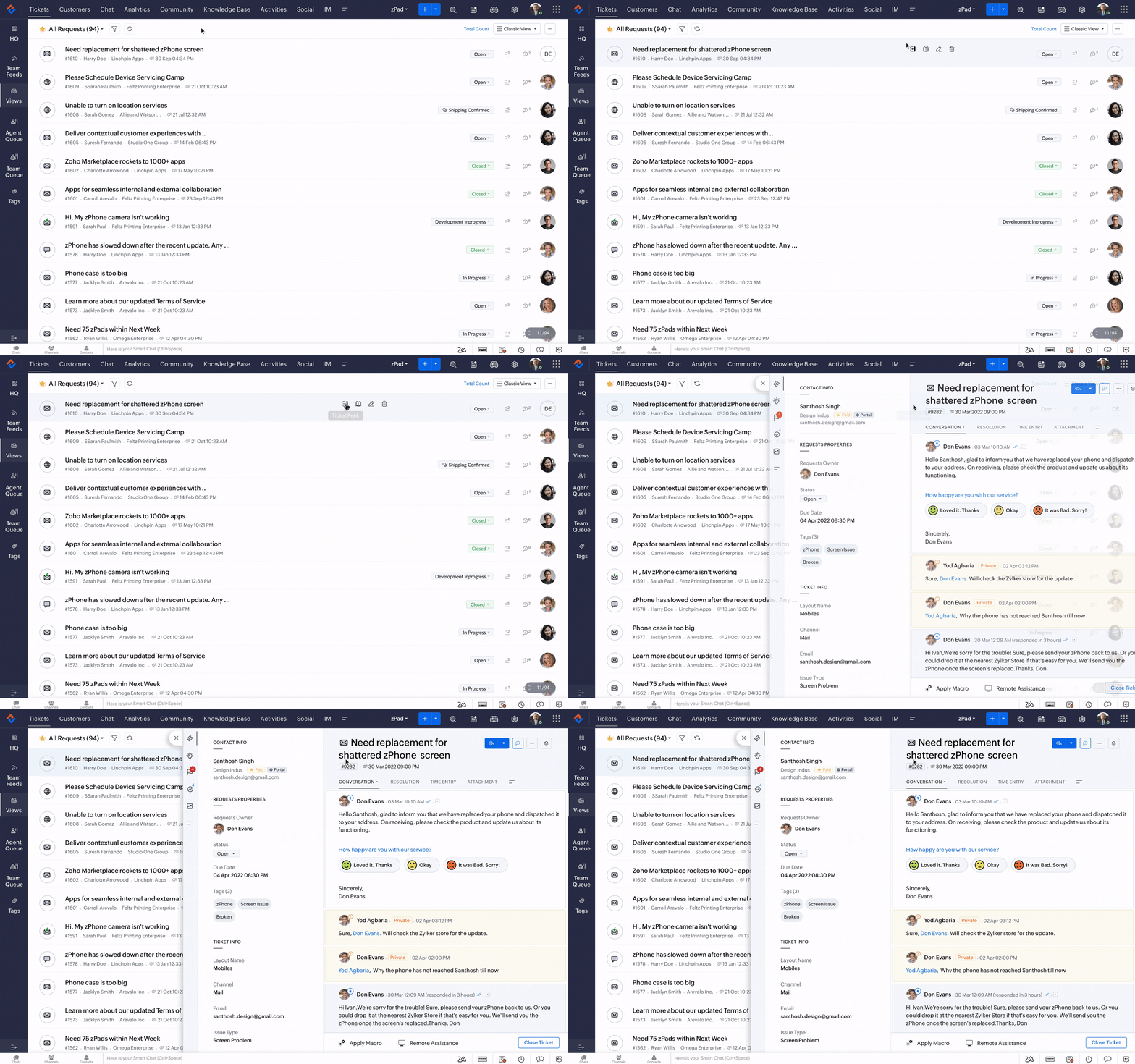
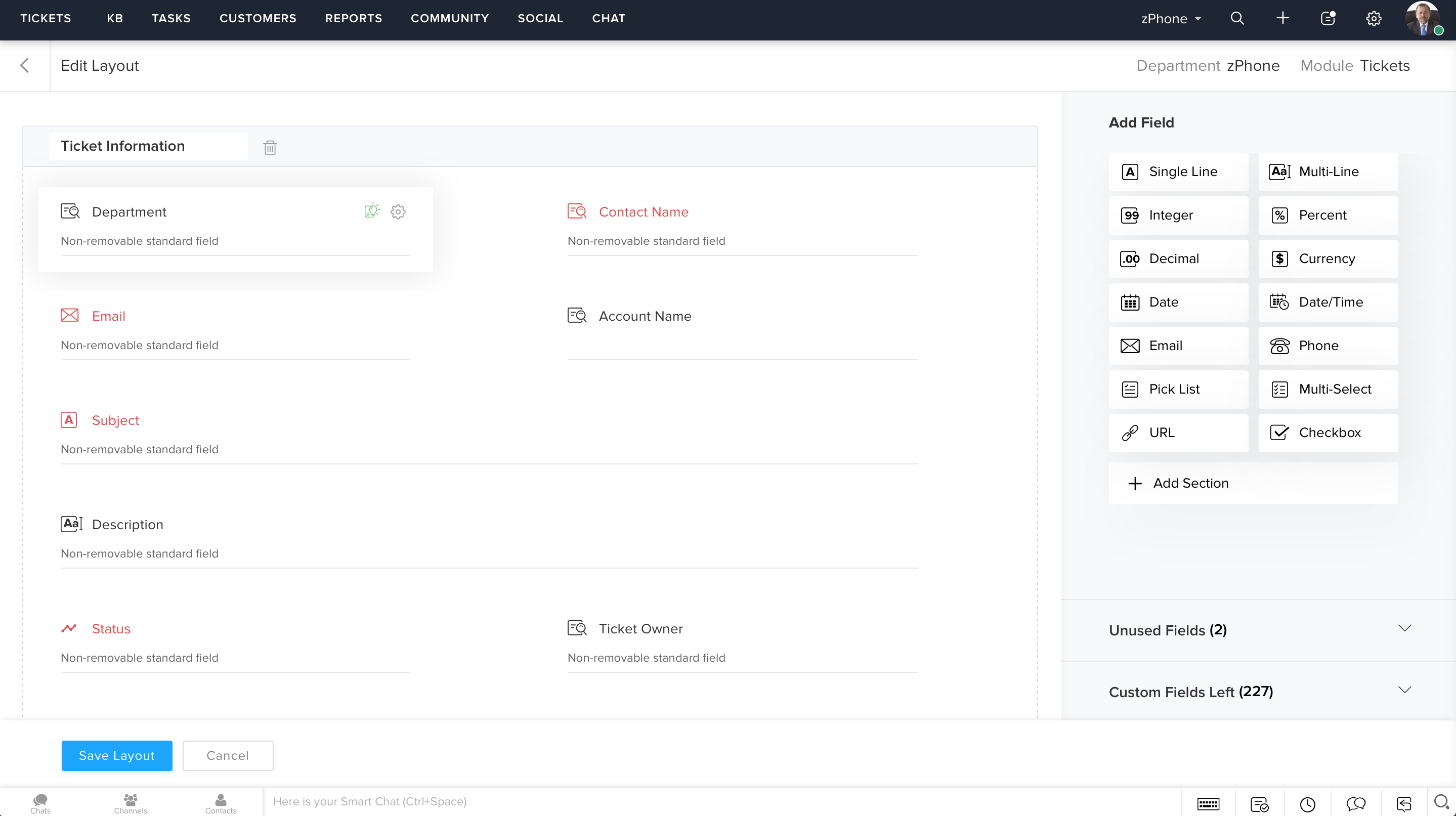
When setting up Zoho Desk, it's essential to pay attention to the way you configure the ticketing system. This involves setting up ticket types, priorities, and levels of severity, all of which play a crucial role in determining how quickly your team responds to customer inquiries. By creating clear and concise ticket fields, you can ensure that your team has all the necessary information to resolve issues efficiently, without having to send additional follow-up questions. Furthermore, Zoho Desk's automation features can be leveraged to assign tickets to specific agents based on the customer's location, issue type, or even the agent's expertise.
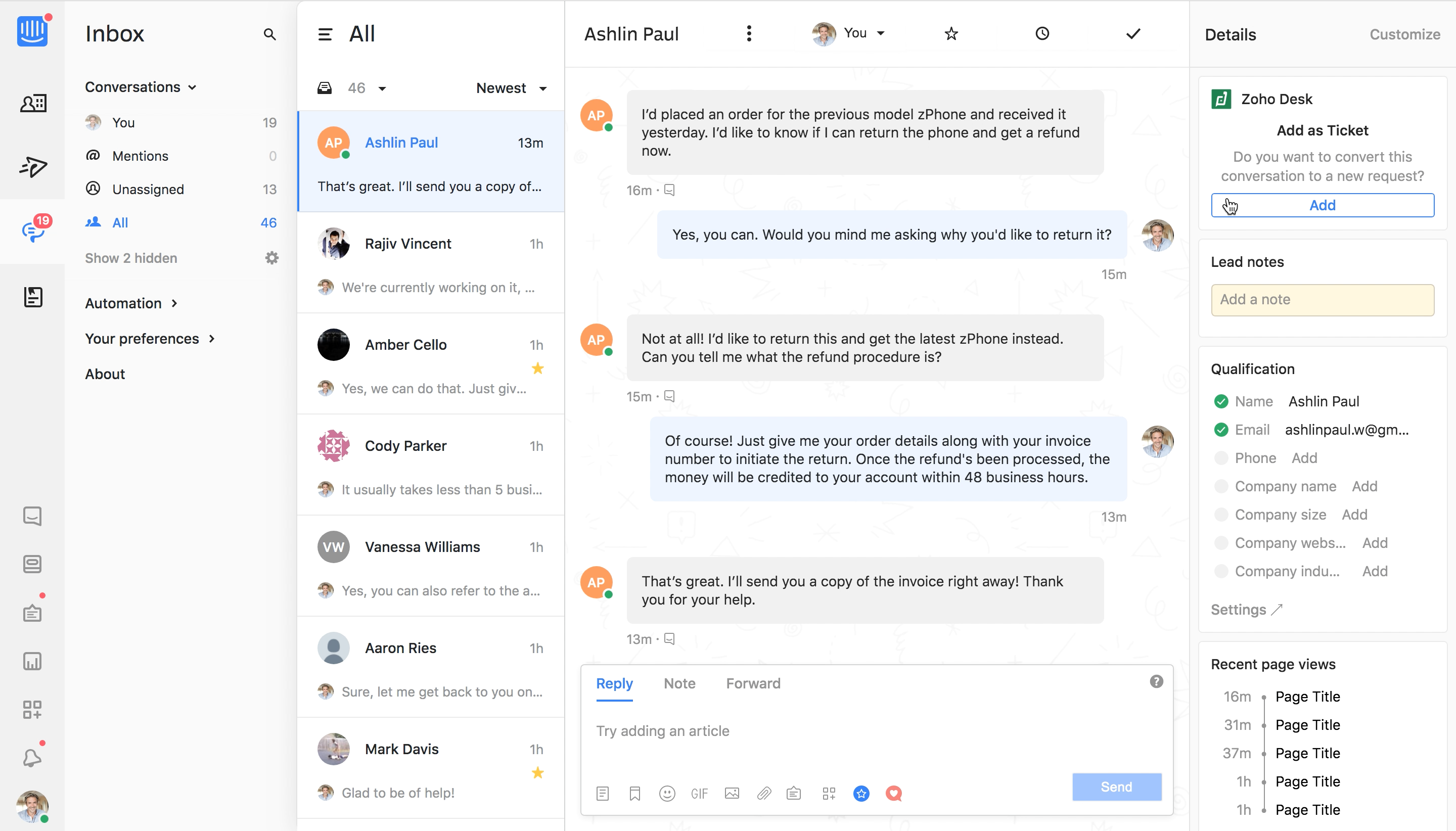
This helps ensure that customers interact with agents who can provide informed and accurate solutions to their problems. The Ultimate Guide To Setting Up Zoho Desk For Success Integration with other Zoho tools like CRM and Sales also enables seamless workflows that eliminate data silos. Mastering the setup of Zoho Desk requires some fine-tuning and experimentation, but the payoff can be immense. Businesses that take the time to optimize their workflow can enjoy faster response times, higher customer satisfaction ratings, and ultimately, increased revenue from loyal customers.