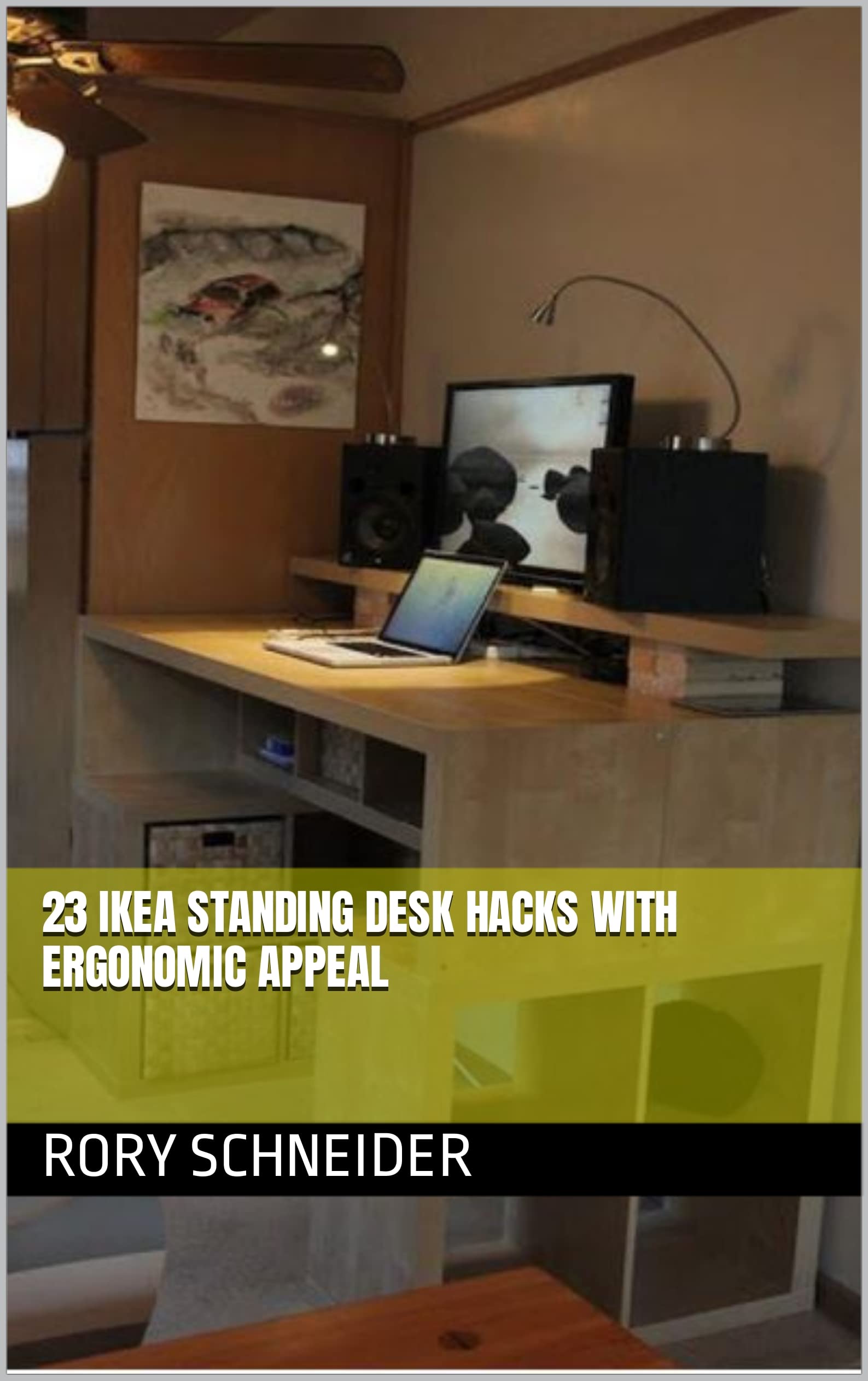
Ergonomic Desk Setup Hacks For Better Posture And Productivity Poor posture and discomfort at the desk can hinder even the most productive employees, leading to fatigue, decreased focus, and reduced work quality. By incorporating ergonomic desk setup hacks, individuals can create a workspace that promotes better posture and boosts productivity. One key consideration is monitor placement, ensuring the screen is directly in front of the user and at a distance of about 20-25 inches, with the top of the monitor at eye level or slightly below. Study Desk Organization Tips For A Clutter-Free Zone
This eliminates the need to constantly look up or down, reducing eye strain and promoting a more relaxed posture. Another essential element is chair height and lumbar support. A chair that allows the feet to rest flat on the floor or on a footrest, with the knees at or below hip level, is ideal. Additionally, a chair with adjustable lumbar support can help maintain a healthy curve in the lower back, preventing strain and discomfort.
Proper keyboard and mouse placement is also crucial, keeping wrists straight and elbows at a 90-degree angle to reduce the risk of developing repetitive strain injuries. DIY Study Desk Ideas To Boost Your Learning Experience To further optimize the desk setup, consider implementing a document holder to keep papers at eye level, reducing the need to constantly look down or crane the neck. A keyboard tray can also help maintain a comfortable typing position, allowing for a more relaxed wrist and forearm posture. By incorporating these ergonomic desk setup hacks, individuals can create a workspace that promotes better posture, reduces discomfort, and boosts productivity, ultimately leading to a healthier and more successful work experience.