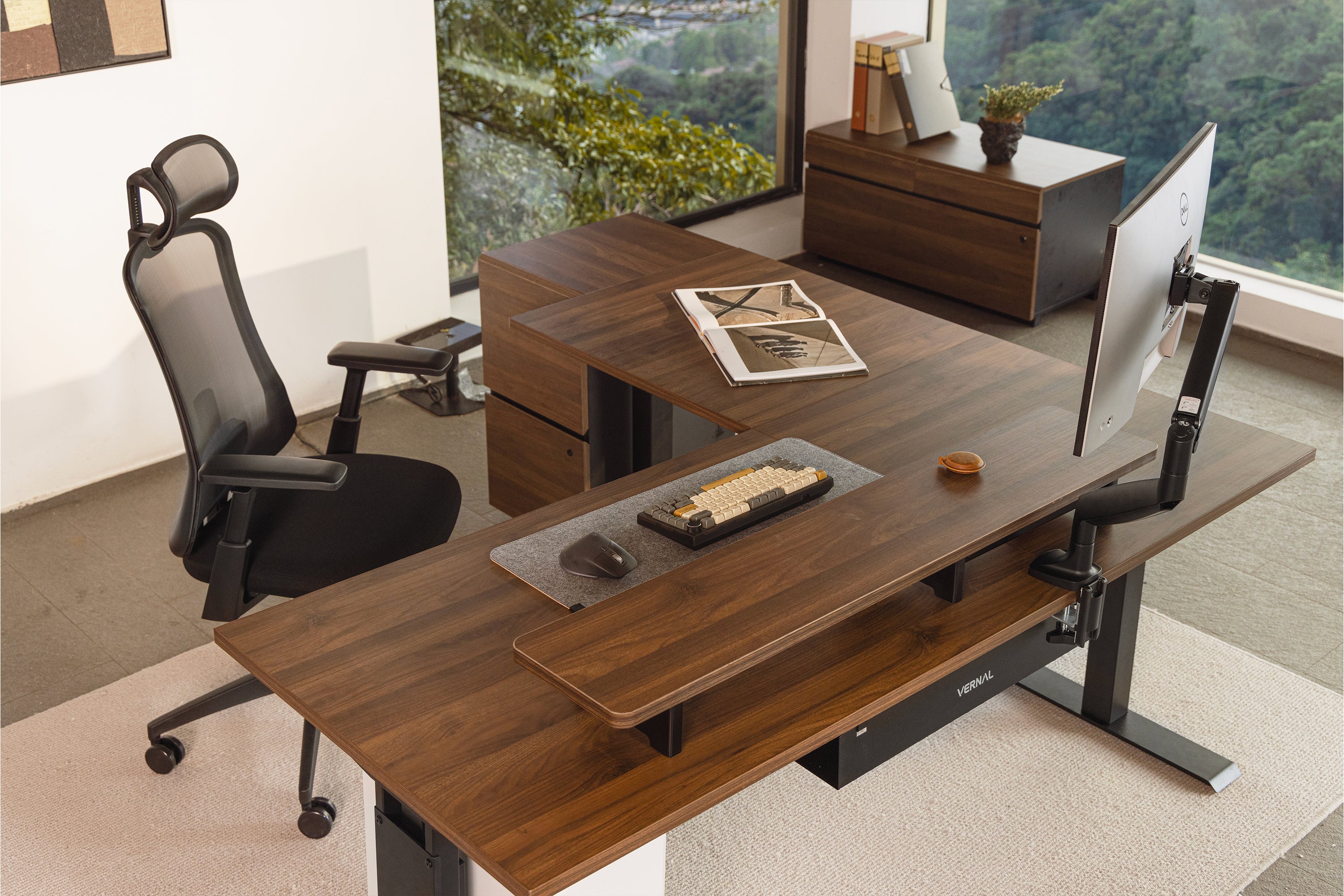
Ergonomic Bliss: A Step-by-Step Guide To Standing Desk Setup As you consider transitioning to a standing desk, you're likely looking forward to the numerous benefits that come with it - improved posture, increased energy, and reduced back pain, to name a few. However, setting up a standing desk that promotes ergonomic bliss can be a daunting task, especially if you're not sure where to start. In this comprehensive guide, we'll walk you through the essential steps to create a standing desk setup that will have you feeling comfortable and productive all day long. The Ultimate Guide To Building A Stand-Up Desk That Works For You
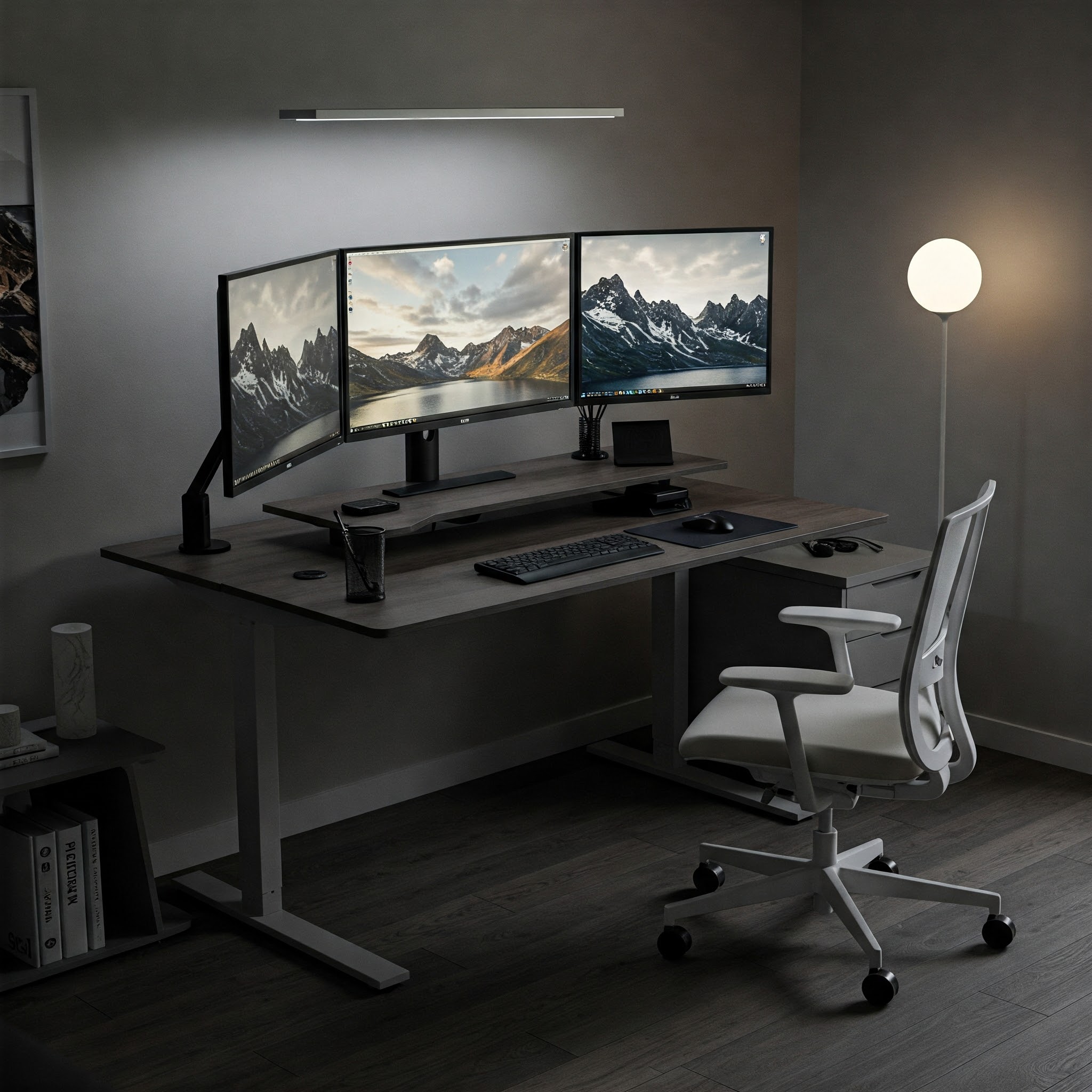
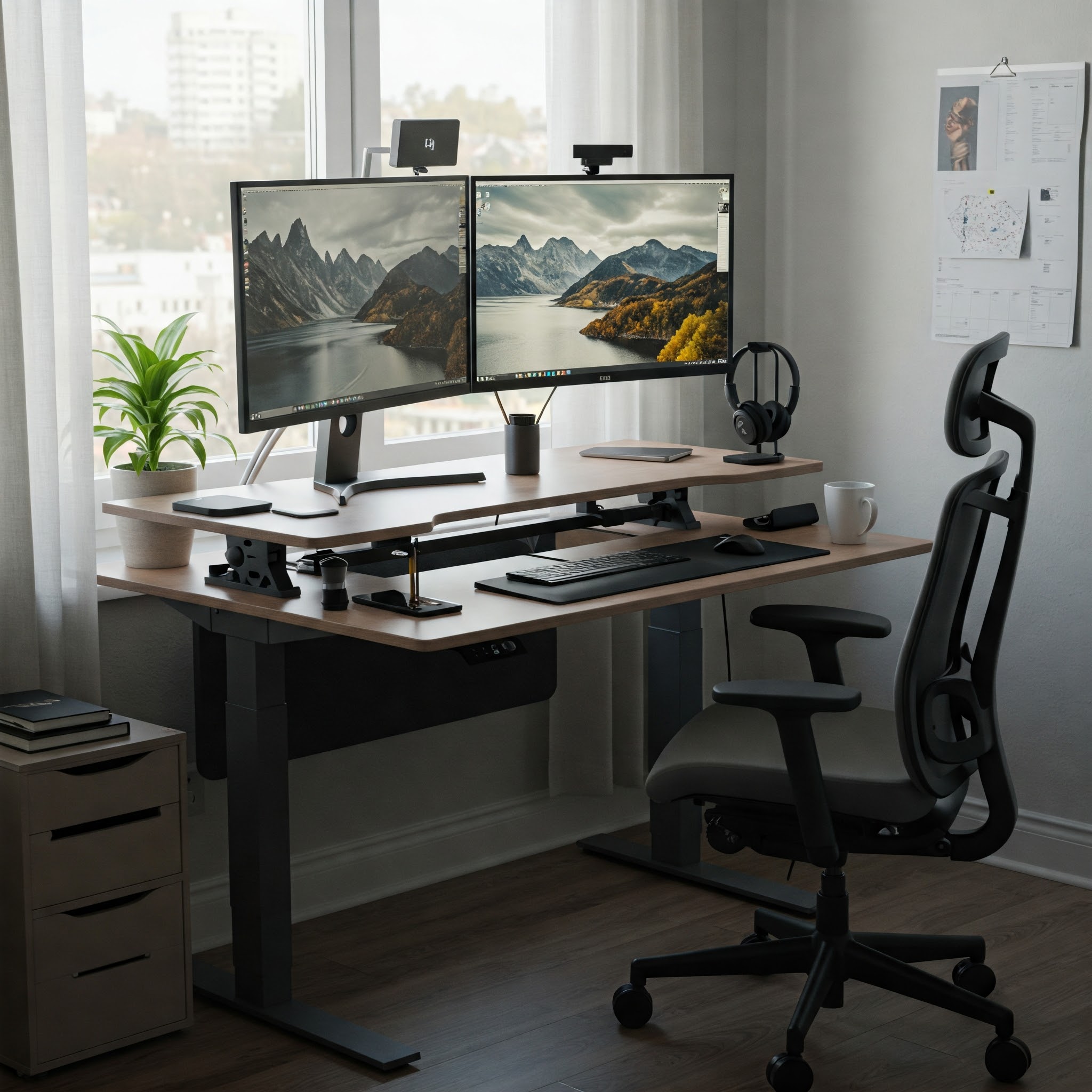
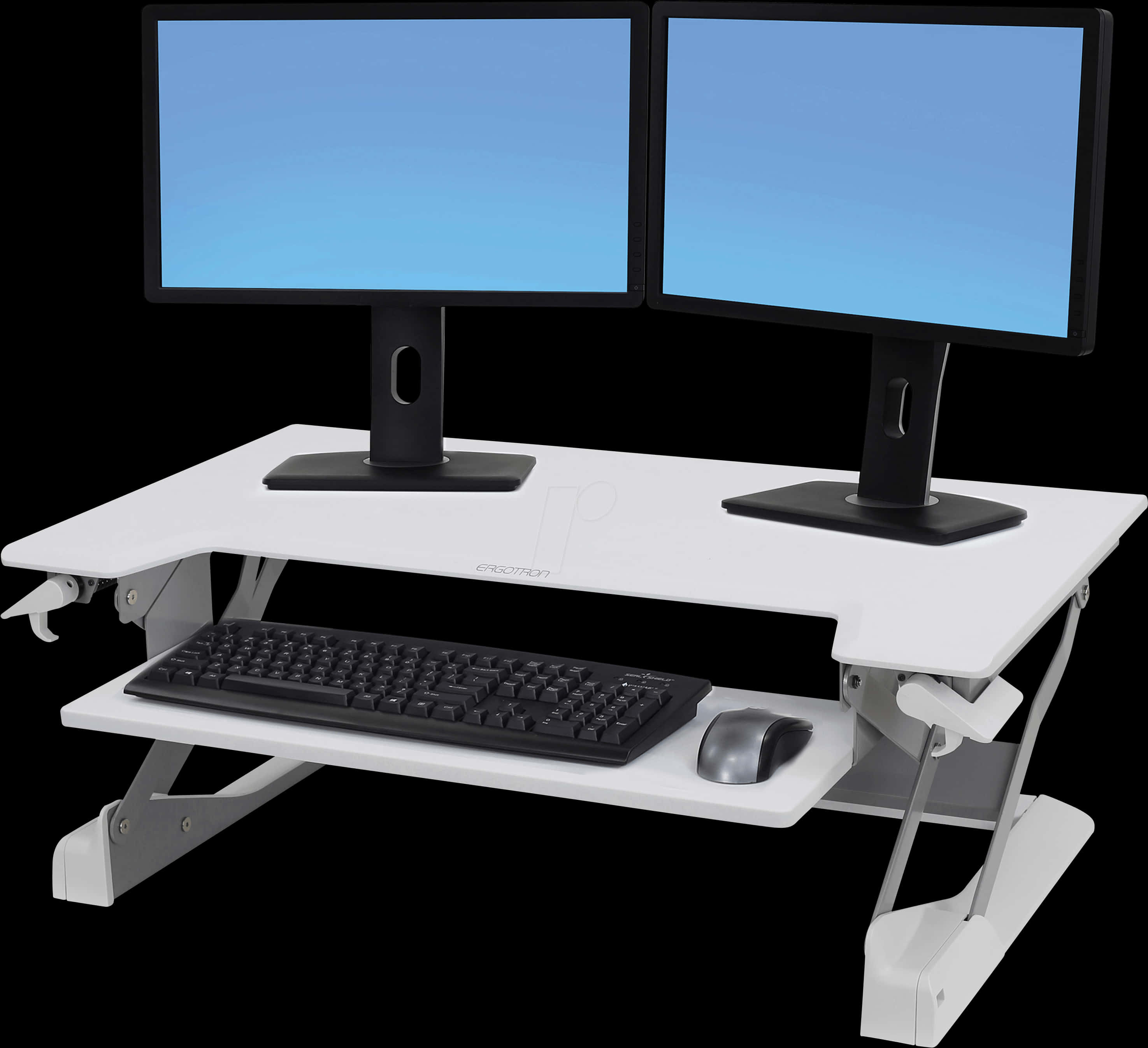
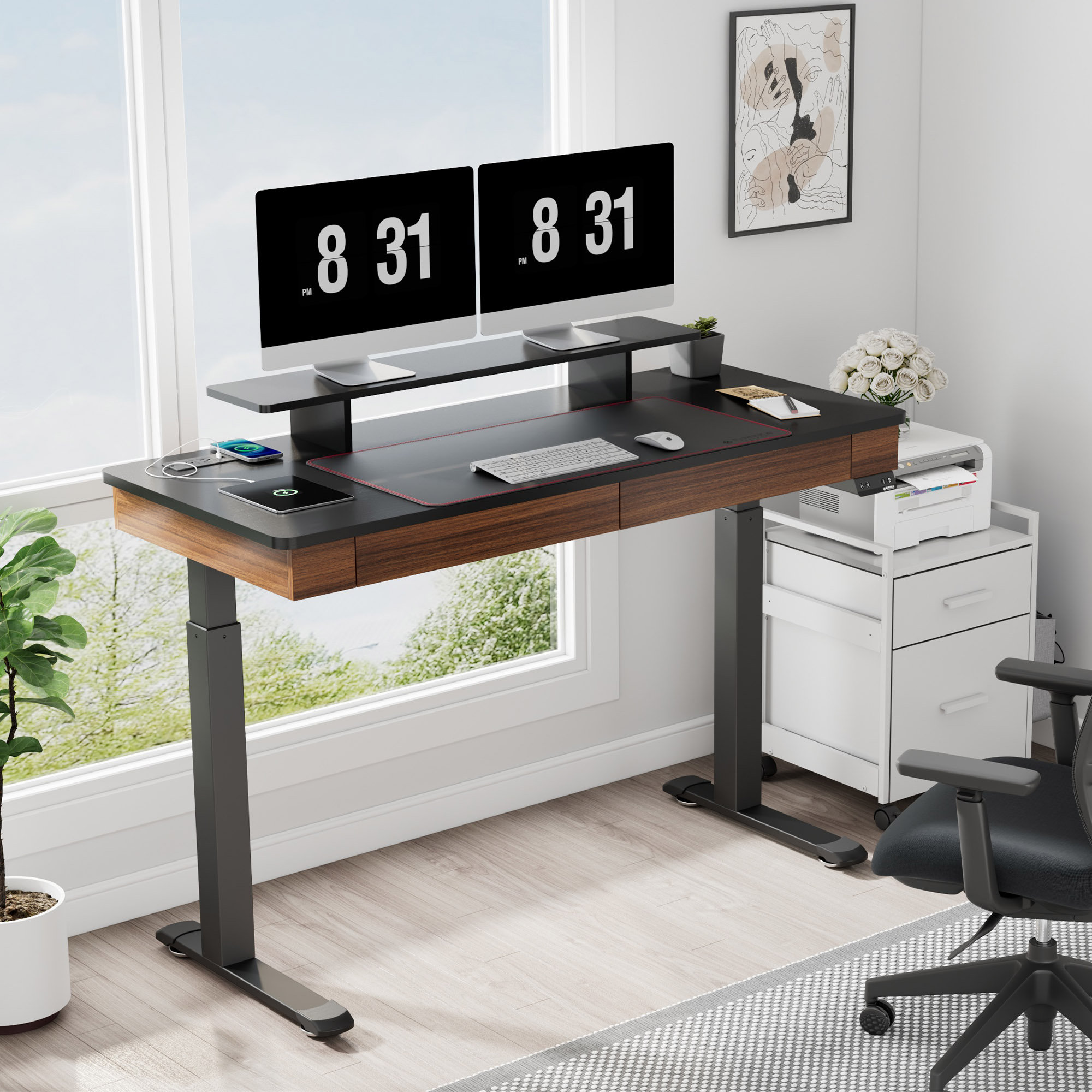
To begin, choose a sturdy and adjustable standing desk that can accommodate your monitor, keyboard, and other essential work tools. Consider investing in a desk with a height-adjustable mechanism that allows you to easily switch between sitting and standing throughout the day. Additionally, select a monitor riser or arm that can hold your screen at a comfortable distance and height, reducing strain on your neck and eyes. Next, position your keyboard and mouse in a way that promotes proper hand and wrist alignment.
Place your keyboard directly in front of your body, with your wrists straight and your elbows at a 90-degree angle. 5 Pro Tips For Creating A Harmonious Standing Desk Layout Your mouse should be situated close to your body and at the same height as your keyboard. Finally, invest in an anti-fatigue mat or a comfortable standing surface that will help reduce fatigue and discomfort during long periods of standing. By following these simple steps, you'll be well on your way to creating a standing desk setup that promotes ergonomic bliss and sets you up for a healthier, more productive workday.
With the right setup, you'll be able to enjoy the many benefits of standing desks while minimizing the risk of discomfort and injury.