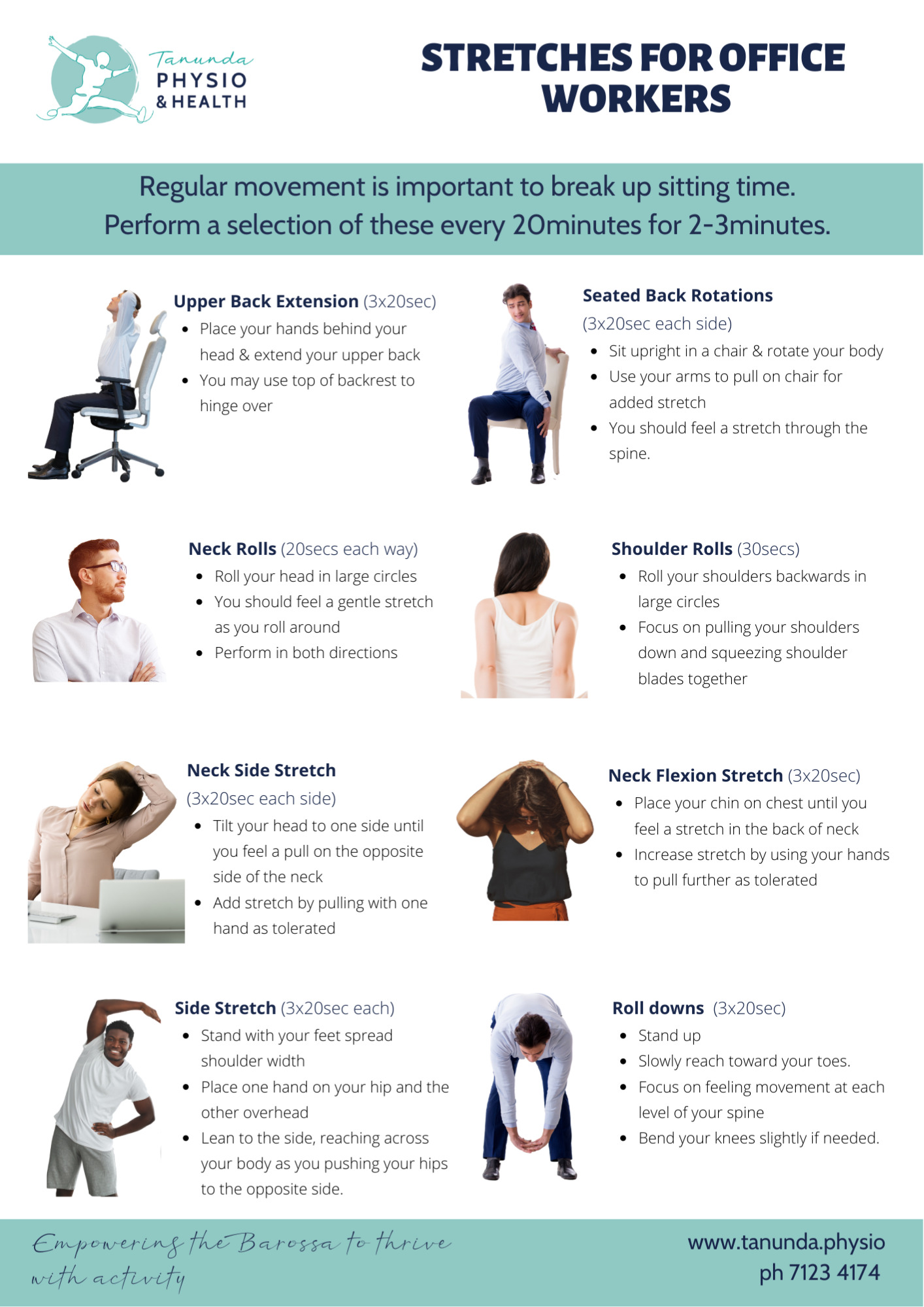
Avoid Back Pain With Our Proven Desk Ergonomics Tips Prolonged sitting at a desk can take a toll on your back, leading to aches and pains that can linger long after you leave work. However, by incorporating simple desk ergonomics tips into your daily routine, you can alleviate back pain and maintain a healthy, productive work environment. Desk ergonomics is not just a nicety, but a necessity for anyone who spends a significant amount of time sitting at a desk. Optimize Your Office: Chairs, Desks, And More
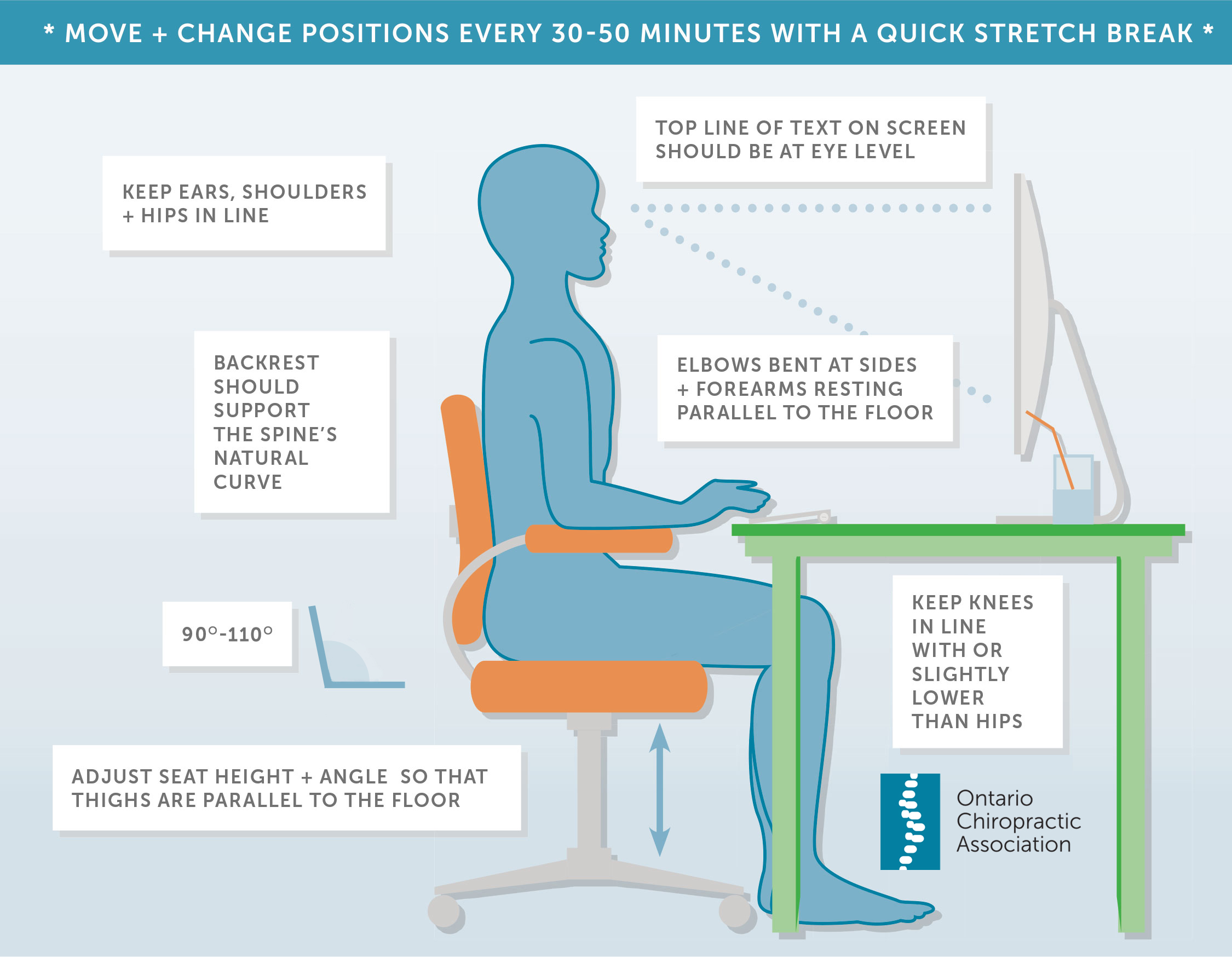
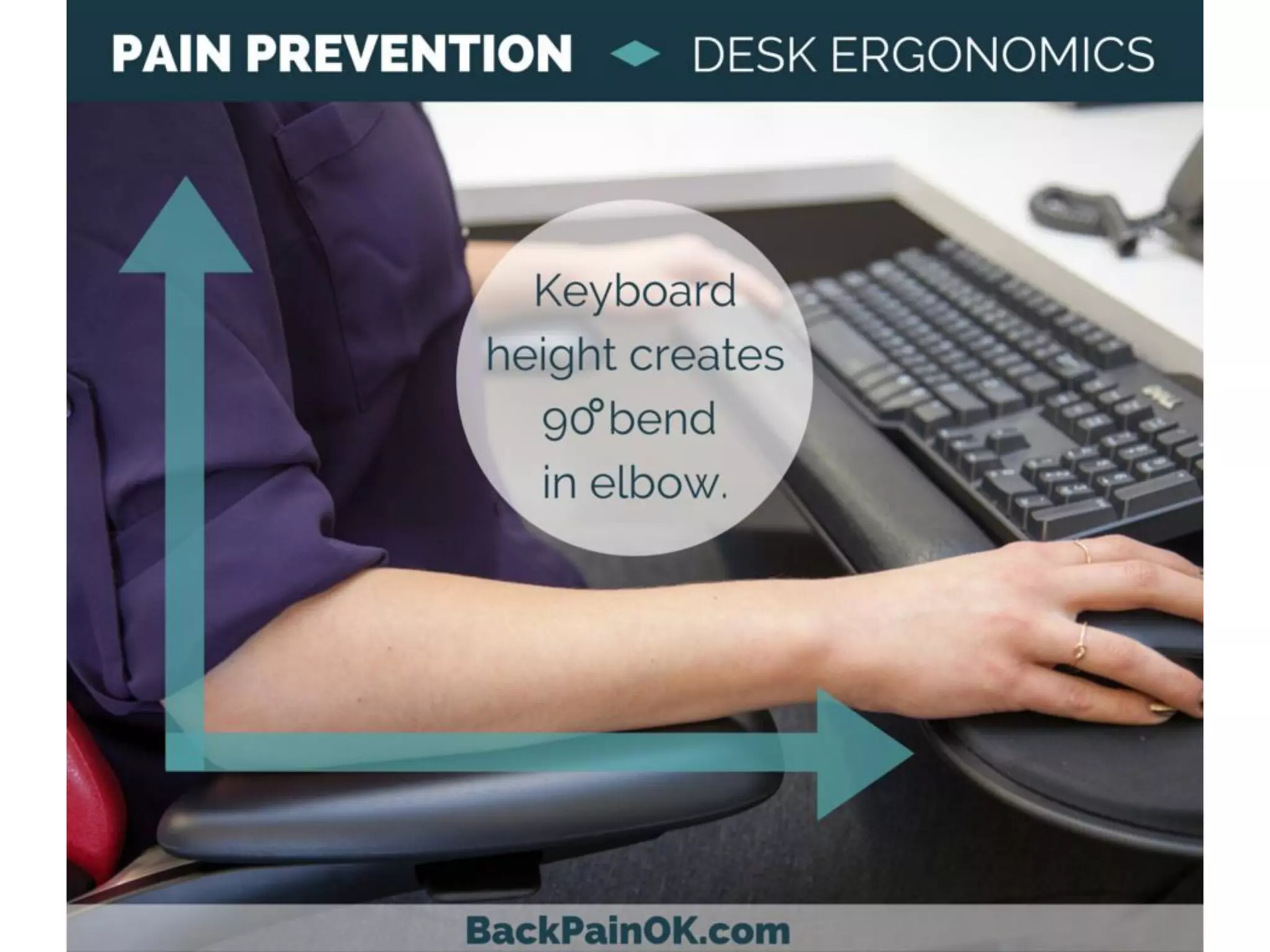
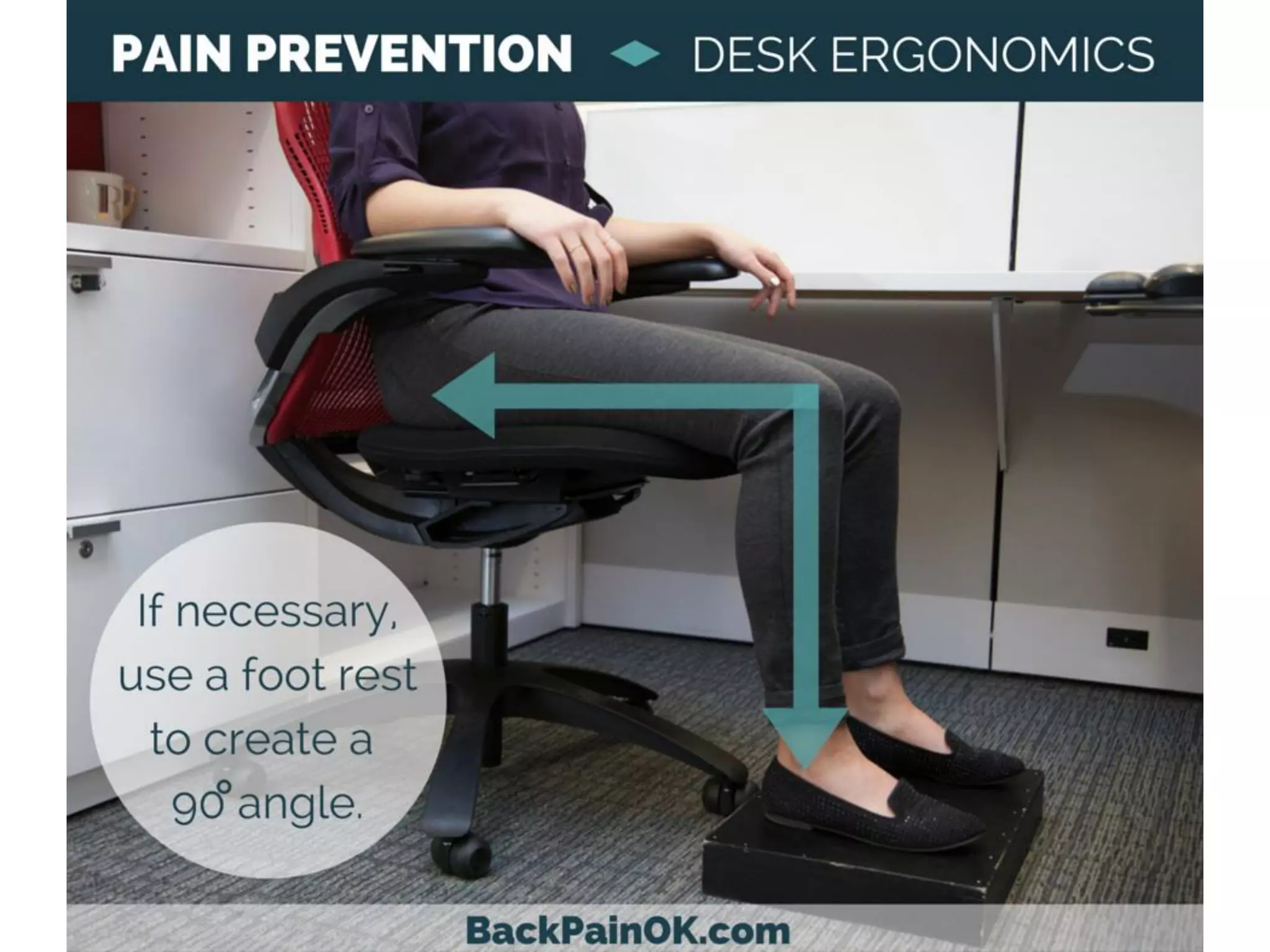
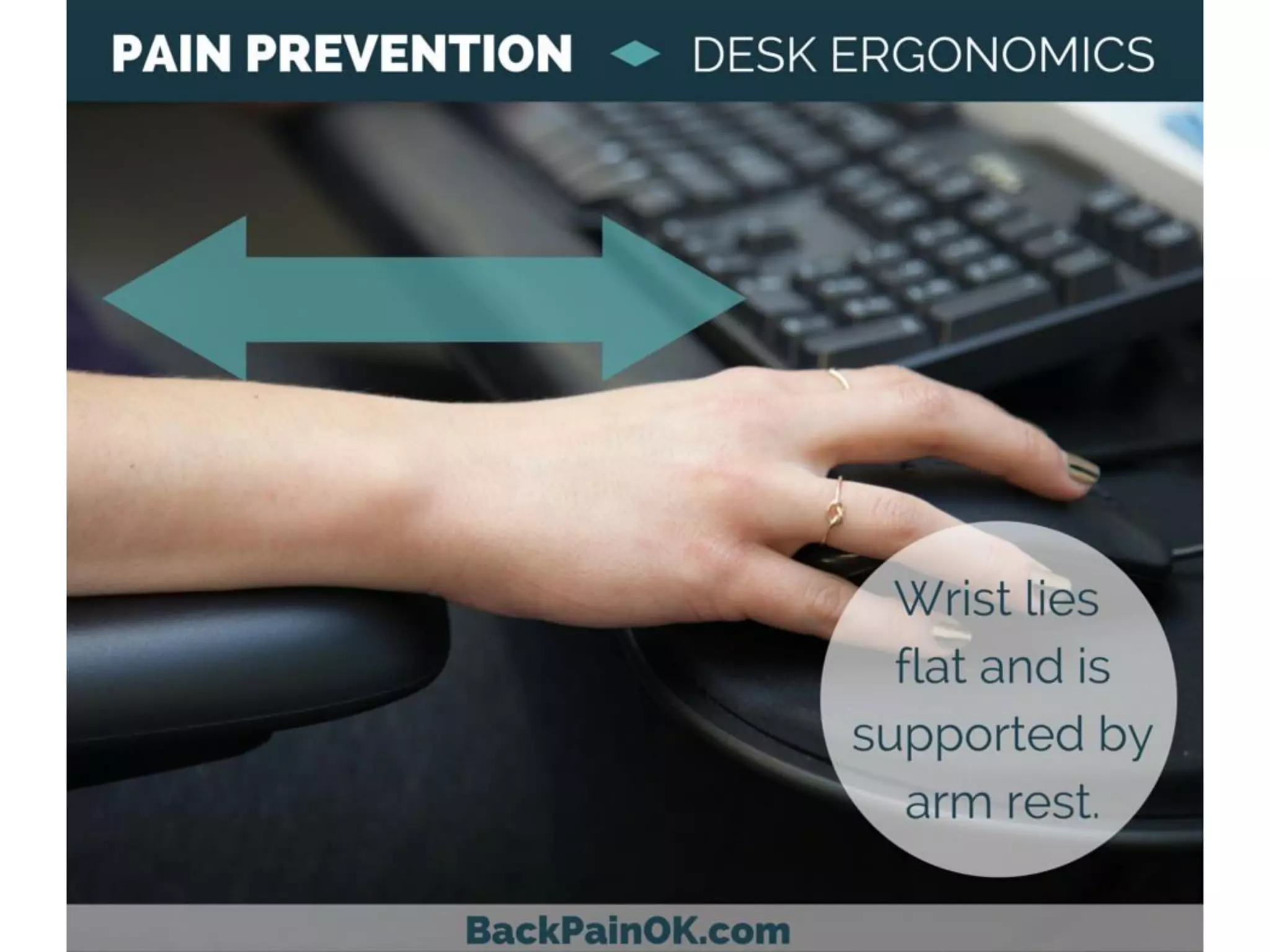
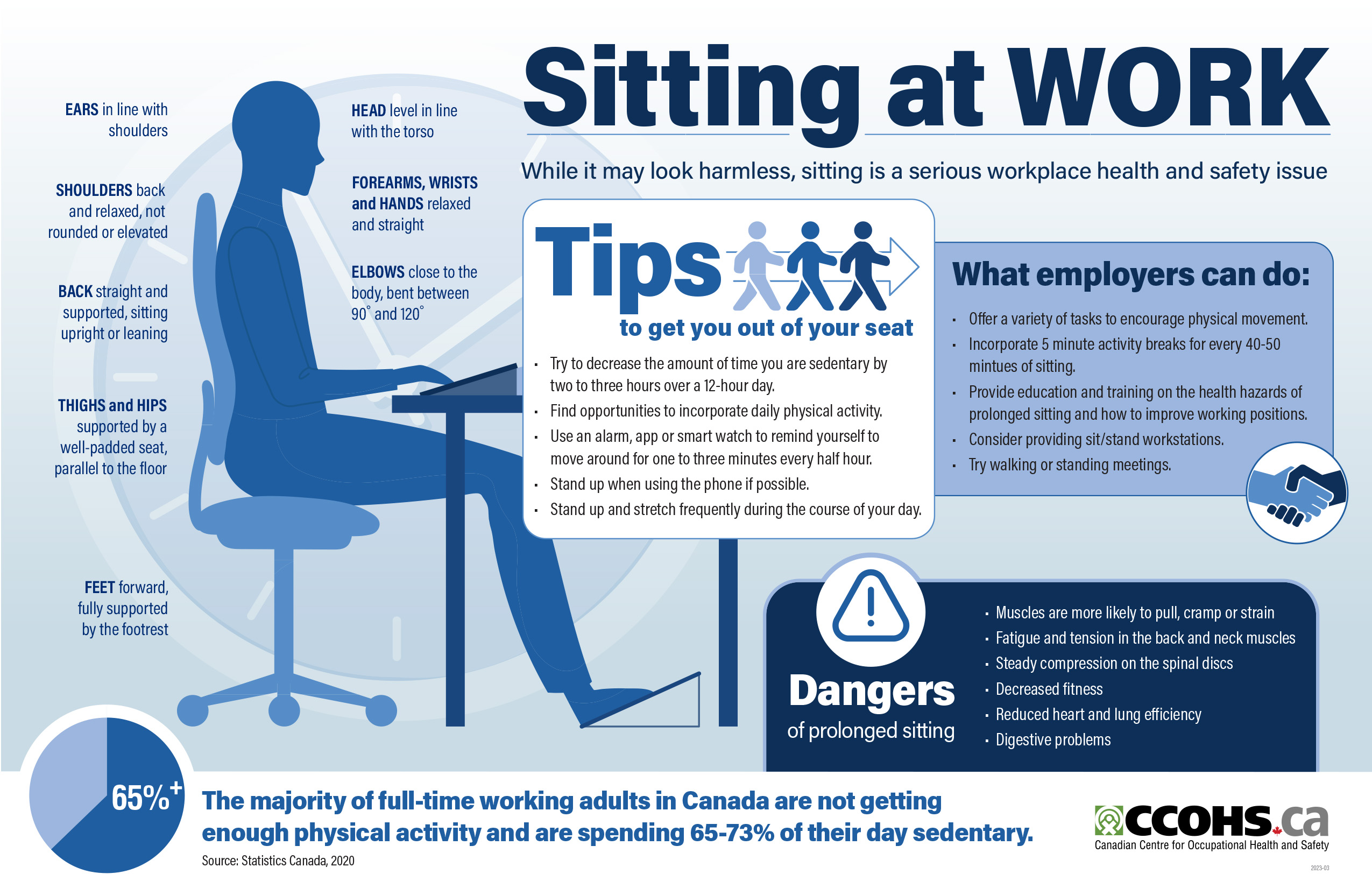
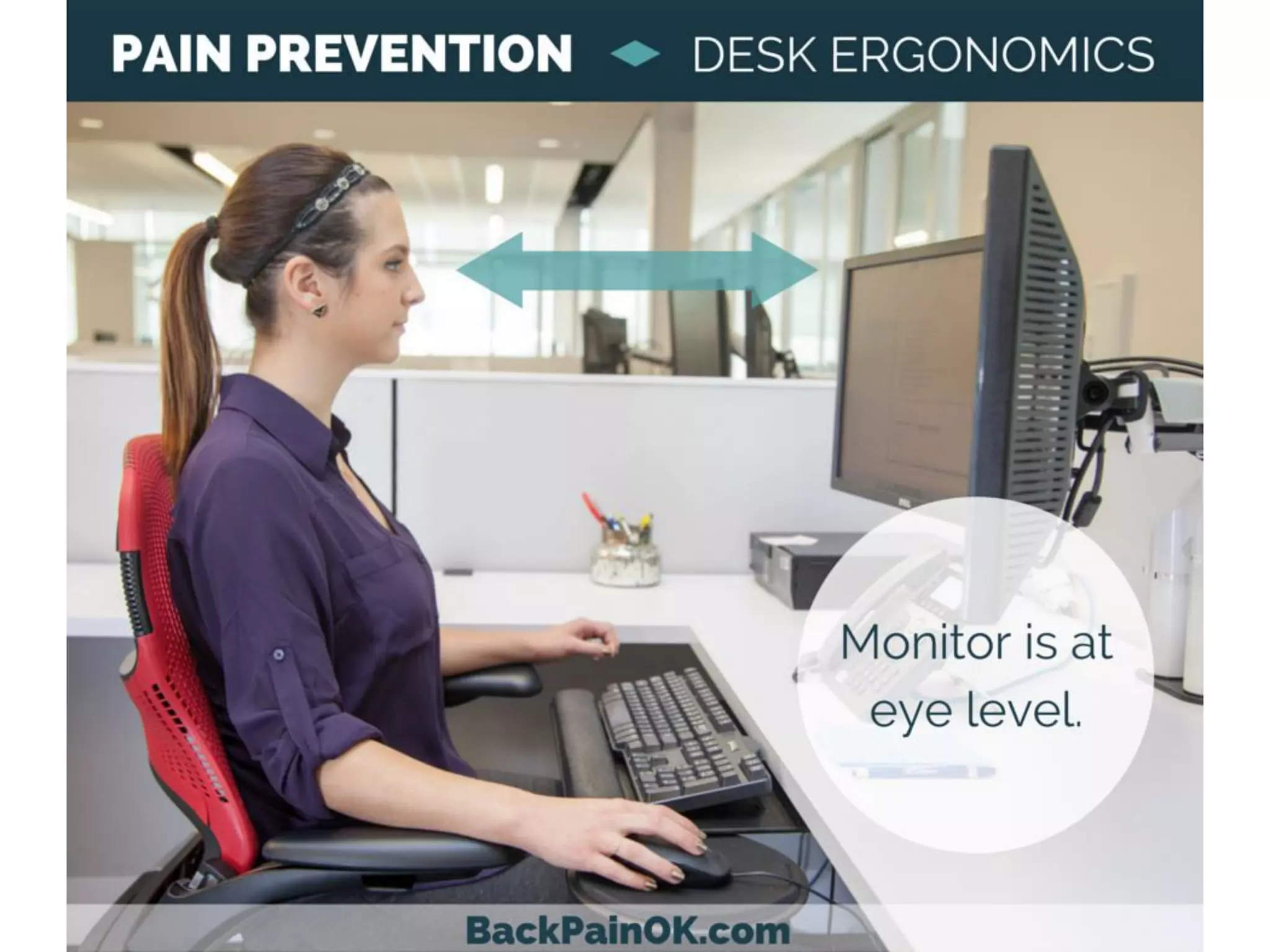
Proper desk ergonomics involves positioning your chair, monitor, and keyboard in a way that promotes good posture and reduces strain on your back. One key aspect is maintaining a straight back, which can be achieved by adjusting your chair height to ensure your feet are flat on the floor or on a footrest. Additionally, keeping your monitor directly in front of you and at a comfortable distance can help prevent you from tilting your head and straining your neck. By positioning your keyboard and mouse close to your body, you can avoid reaching forward and putting unnecessary pressure on your spine.
By following these simple desk ergonomics tips, you can significantly reduce your risk of back pain. A Healthy Work Habit: Tips For Ergonomic Office Setup Furthermore, incorporating regular stretching and movement breaks into your day can also help prevent muscle fatigue and promote overall well-being. By prioritizing your desk ergonomics, you can create a healthier work environment and enjoy the benefits of a pain-free back. With a little effort and awareness, you can make a significant difference in your daily comfort and productivity.




.webp)